Light Dropper colored icon
Loading interactive 3D reference…
45% complete

Cone Shading Reference

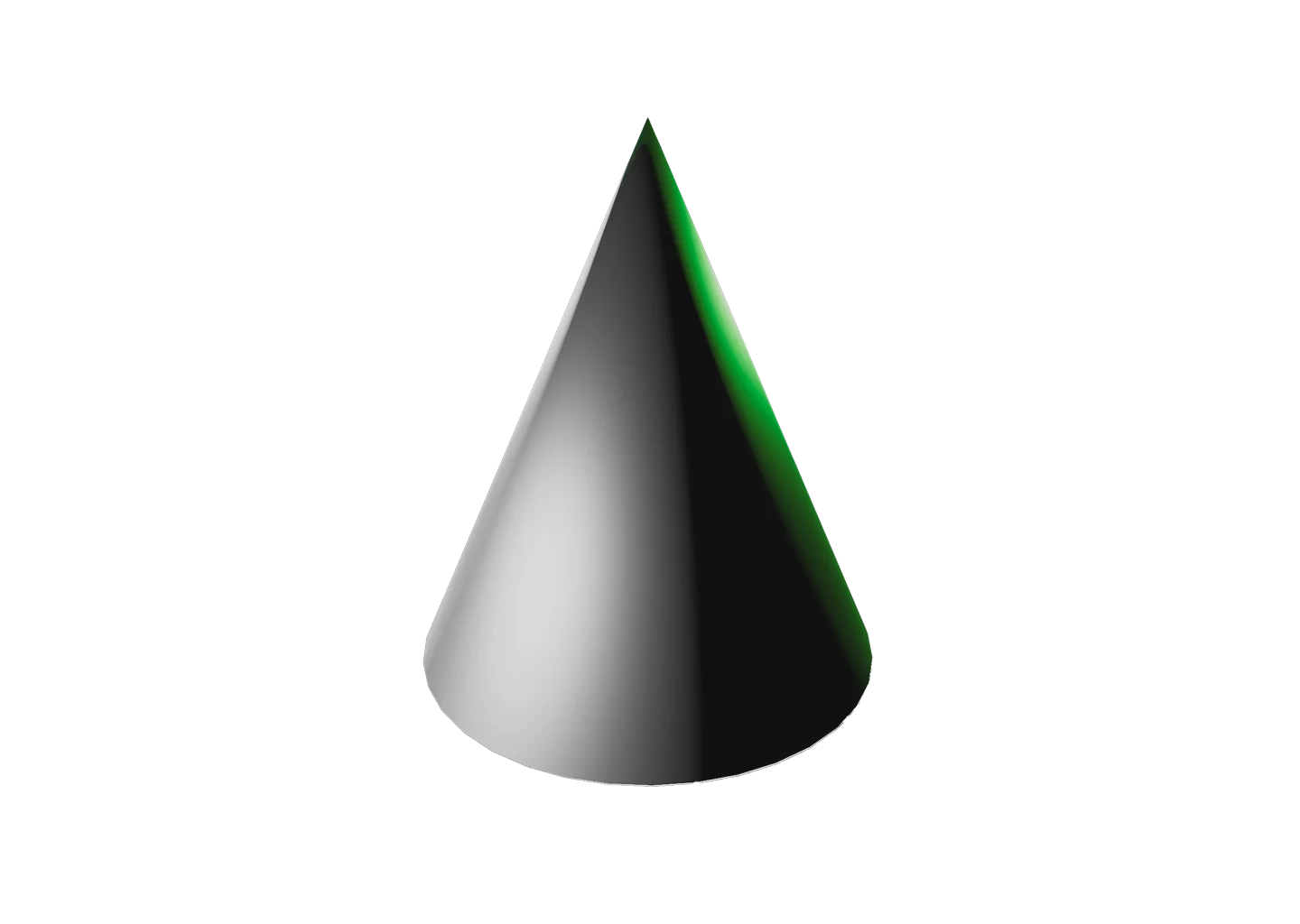
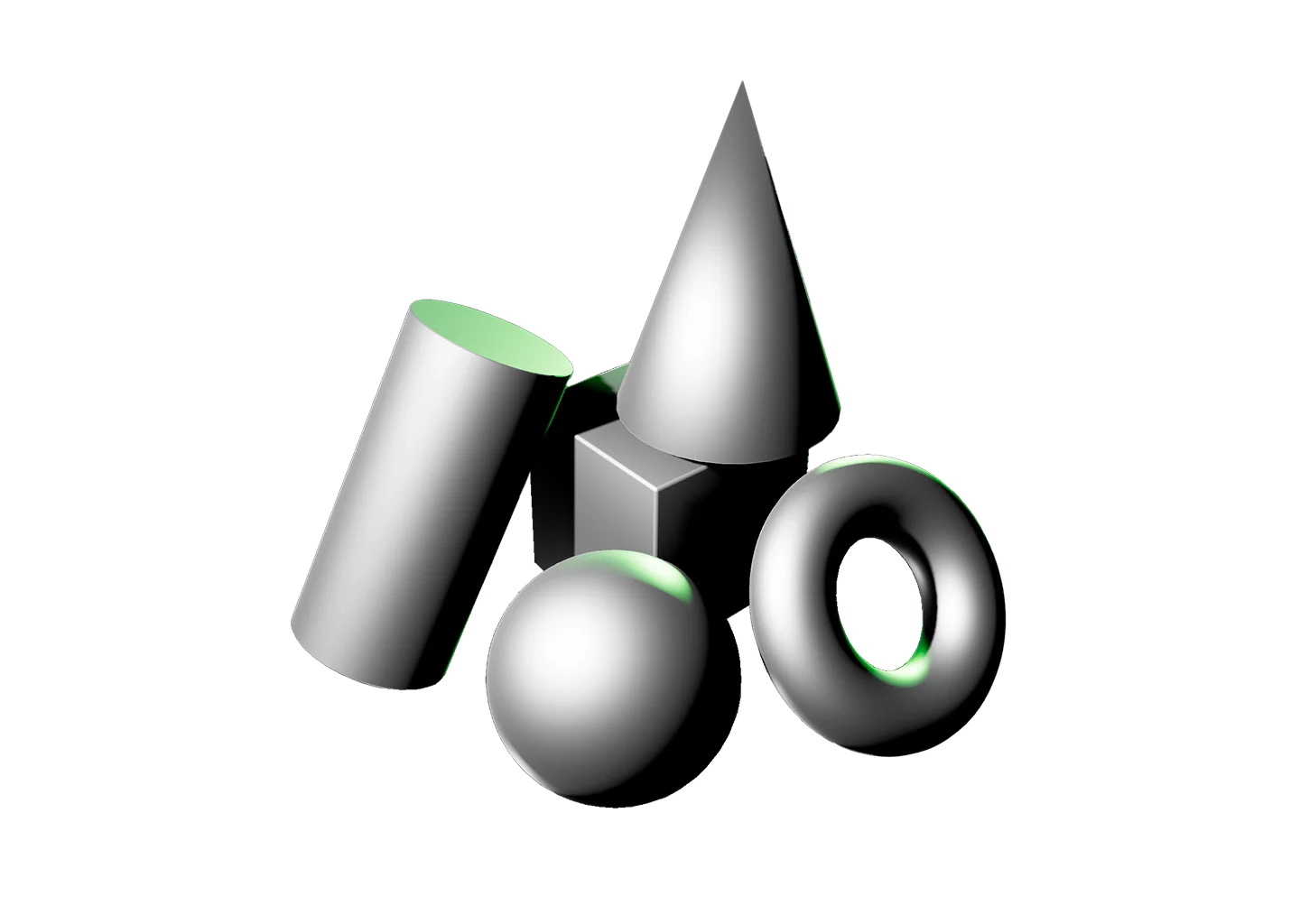
The cone builds on everything we’ve learned from the Cylinder Shading Reference. As the surface narrows toward a single point, highlights, value transitions, and the shadow line compress, creating lighting patterns that change from base to tip.

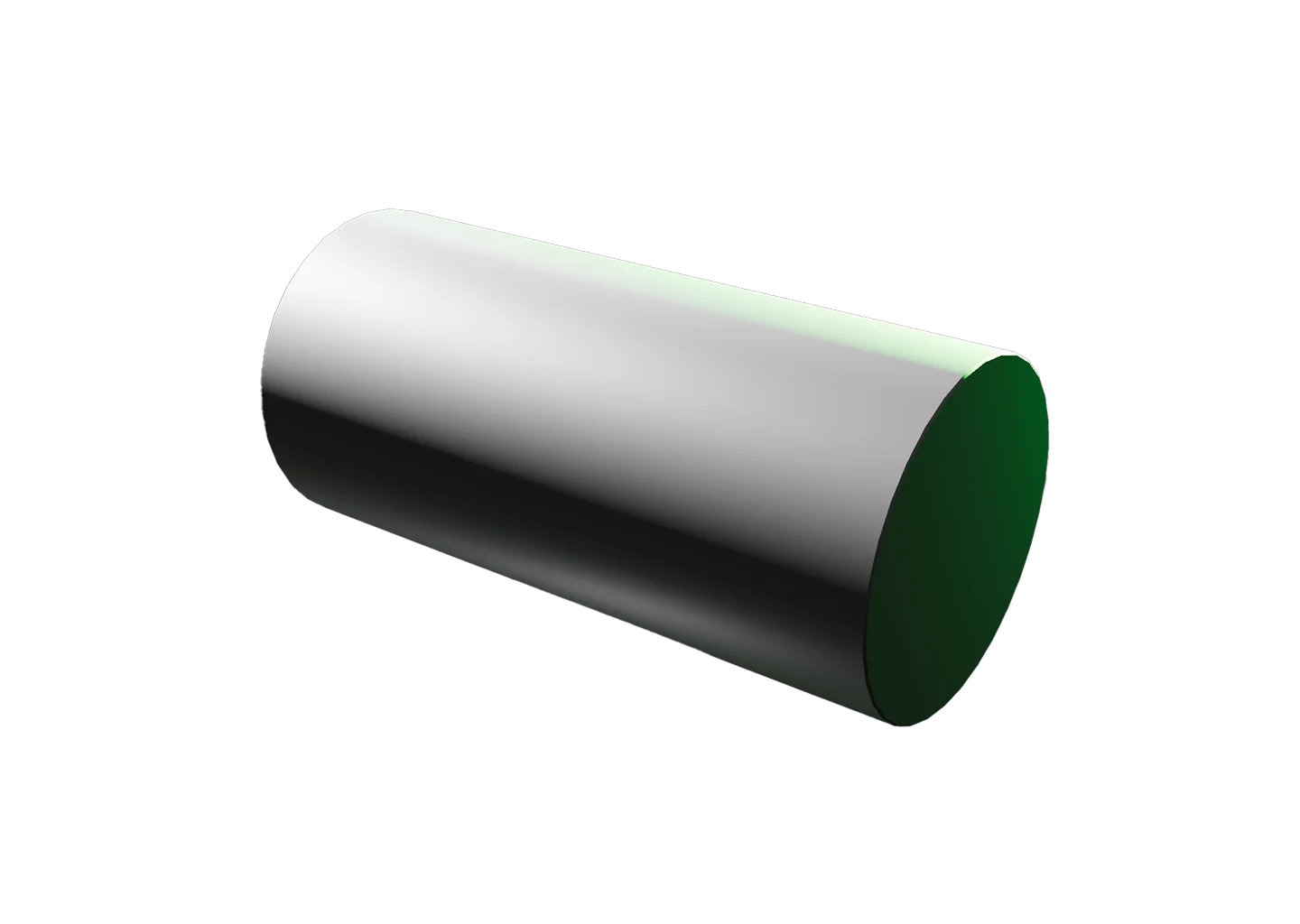
The shadow’s edge is the real lesson here. On the cylinder it ran straight, but on the cone it bends and tightens as it climbs toward the apex, never behaving the same way twice.

Adjust the color, roughness, and more to change how the surface responds to light, or even make the cone transparent to watch the light pass through the form instead of stopping at its surface.

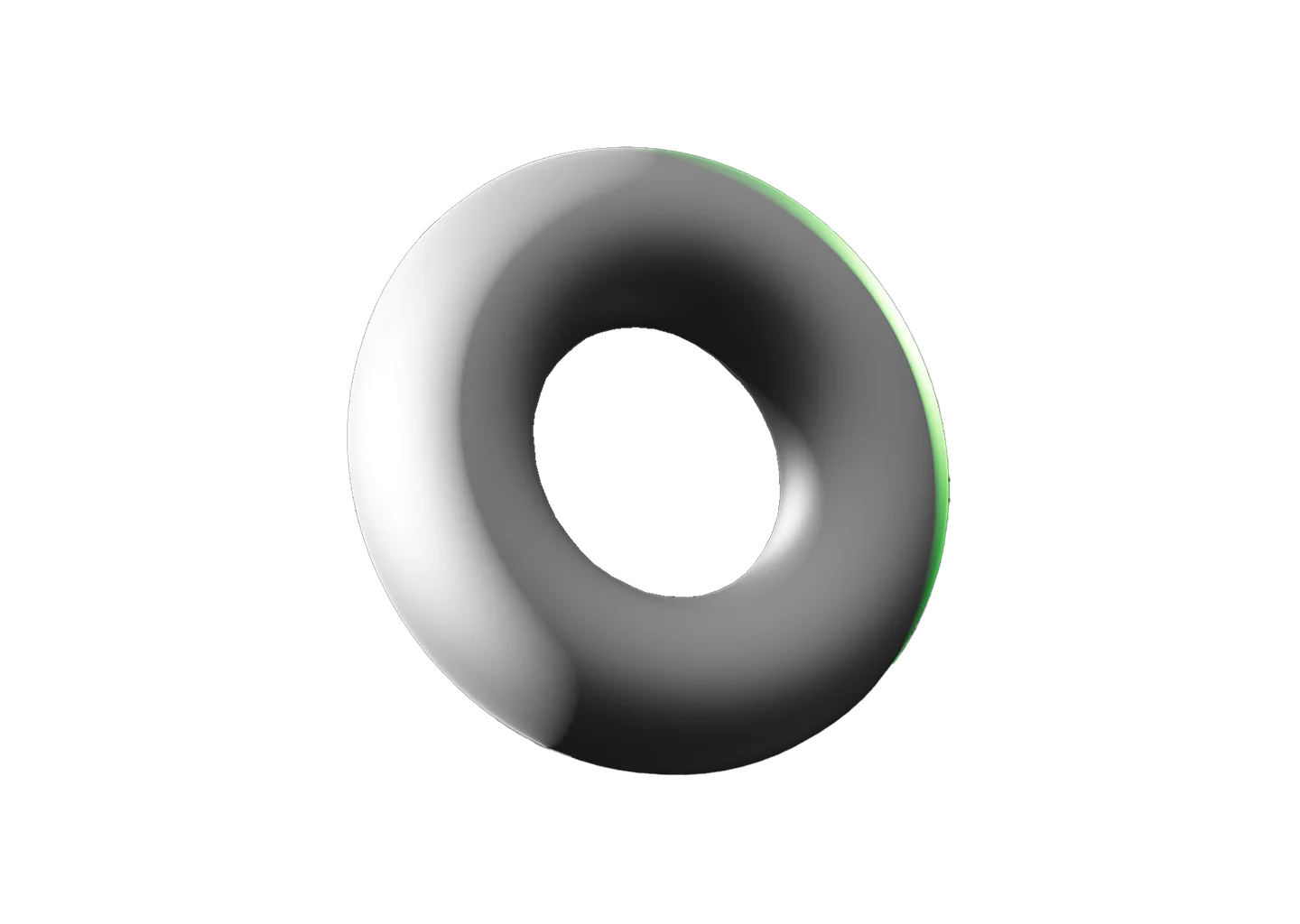
Resist the urge to rush ahead. The next challenge is the Torus Shading Reference, where the surface curves inward as well as outward.
Toggle Info: I
Toggle info: i
Double click to create a light
Click-and-drag to move a light
Right click objects for options
Precision Controls
Camera Angle Presets: C
Toggle Perspective: P
Randomize Scene: R
Randomize Lights: Shift + R
Value Steps: V
Undo: Cmd + Z
Redo: Cmd + Shift + Z
Labels, Scene Lock: L
Export Setup: Shift + E
Import Setup: Shift + I
Animated Model Controls
Play/Pause: Spacebar
Reset scene
Icon of person raising their hand
Write a testimonial, or report a bug
Beta: Saved setups (N)
Matte white cone primitive shape with dramatic shading.

Cone Shading Reference

The cone builds on everything we’ve learned from the Cylinder Shading Reference. As the surface narrows toward a single point, highlights, value transitions, and the shadow line compress, creating lighting patterns that change from base to tip.

The shadow’s edge is the real lesson here. On the cylinder it ran straight, but on the cone it bends and tightens as it climbs toward the apex, never behaving the same way twice.

Adjust the color, roughness, and more to change how the surface responds to light, or even make the cone transparent to watch the light pass through the form instead of stopping at its surface.

Resist the urge to rush ahead. The next challenge is the Torus Shading Reference, where the surface curves inward as well as outward.
A hand icon with a strikethrough
This experience requires a larger window.