Drop in, glow up

Lighting references of the face, body, and more, now interactive.

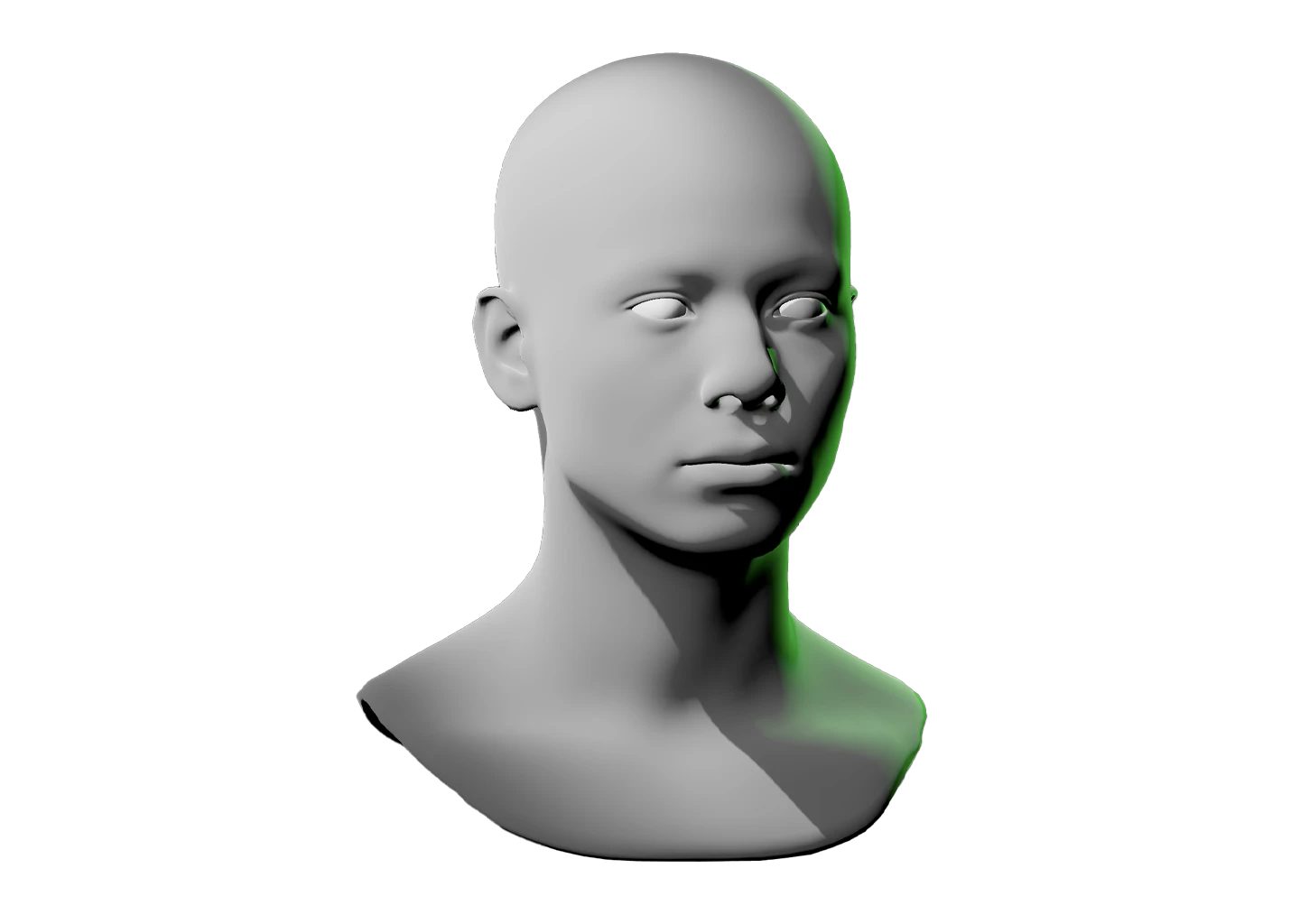
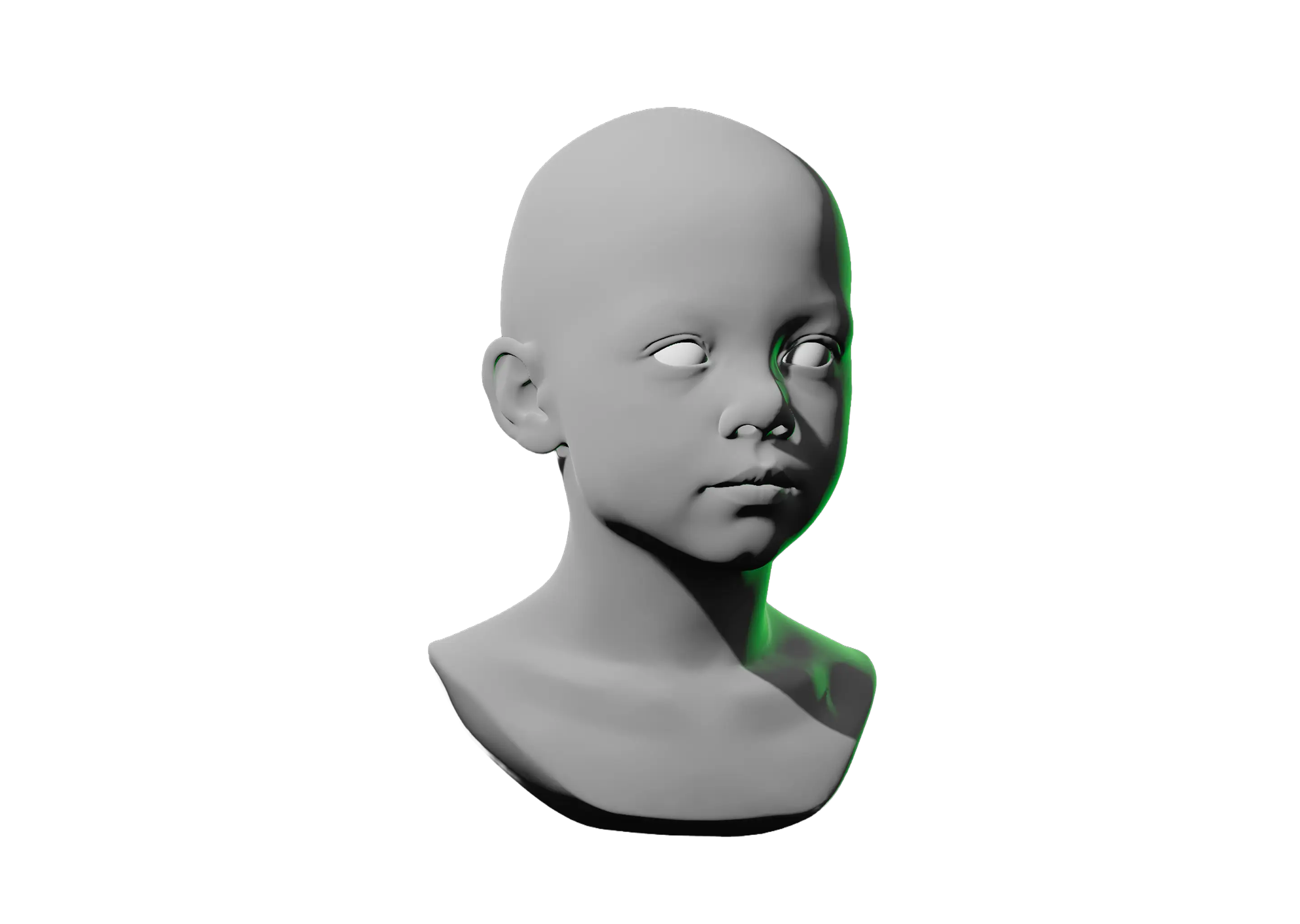
Light faces, figures, portraits, shape primitives, and more with interactive 3D references. From multi-point lighting to dramatic chiaroscuro setups and beyond, create the reference images you need with the web’s interactive lighting tool built for artists like you.
Start lighting—it’s free

Stop searching for the perfect reference. Our lighting simulator makes it in seconds.

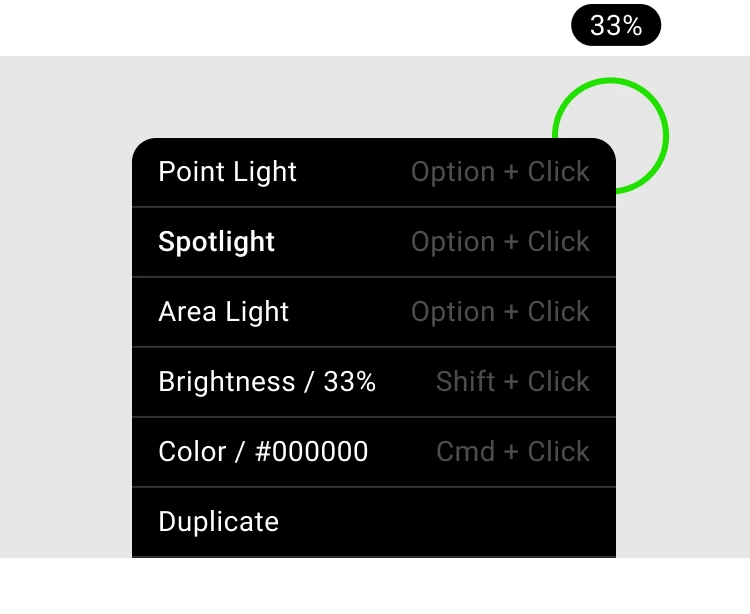
User interface menu showing light settings with options: Point Light, Spotlight (selected), Area Light; brightness at 33%, color code #000000, and a duplicate option.

Drop some lights and give your work real dimension

Shape your scene with control over light type, quantity, color, brightness, and position. Drop point and spotlights to add depth and drama, or reach for an area light when you want to light a model evenly with no shadow.
Get started
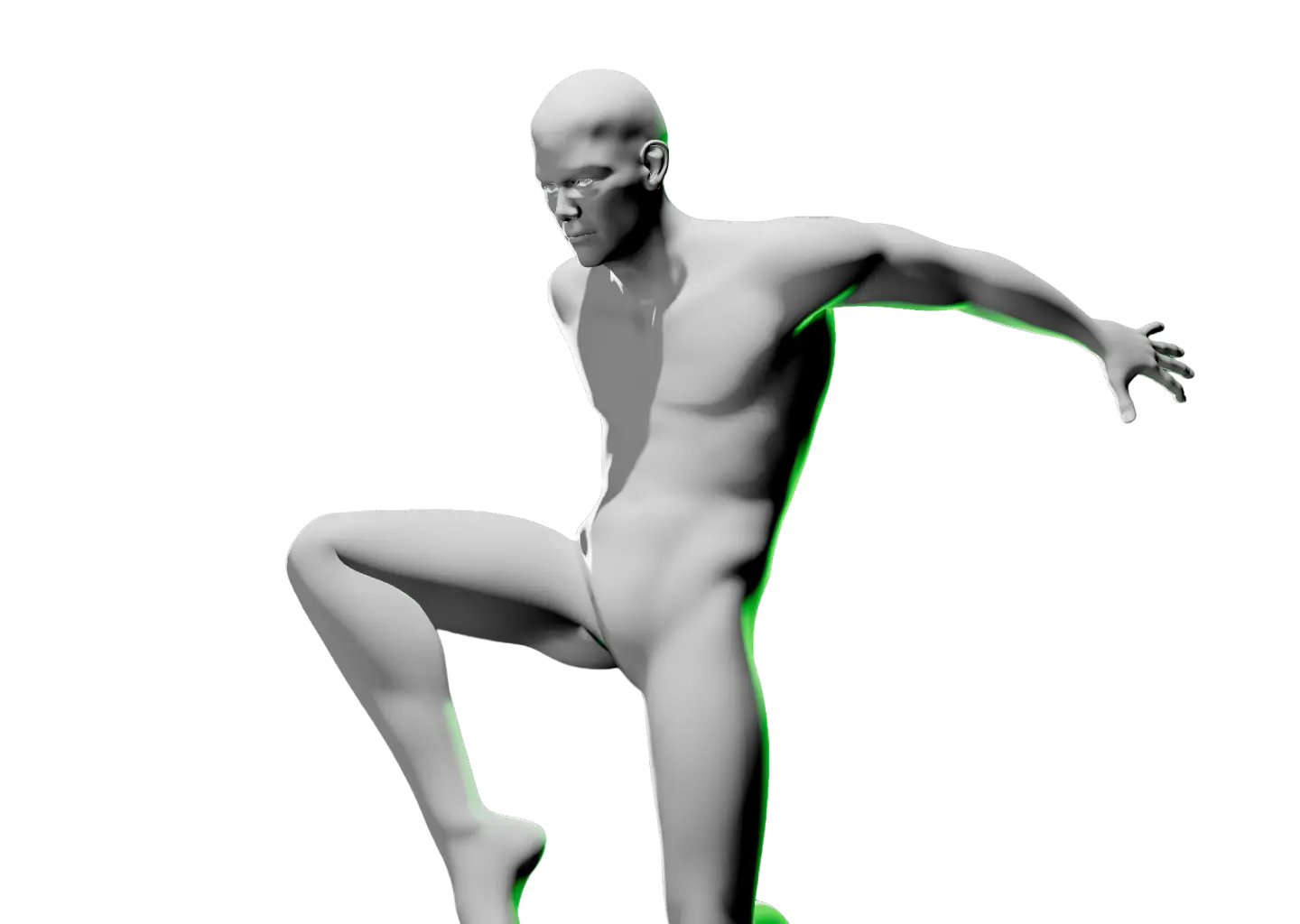
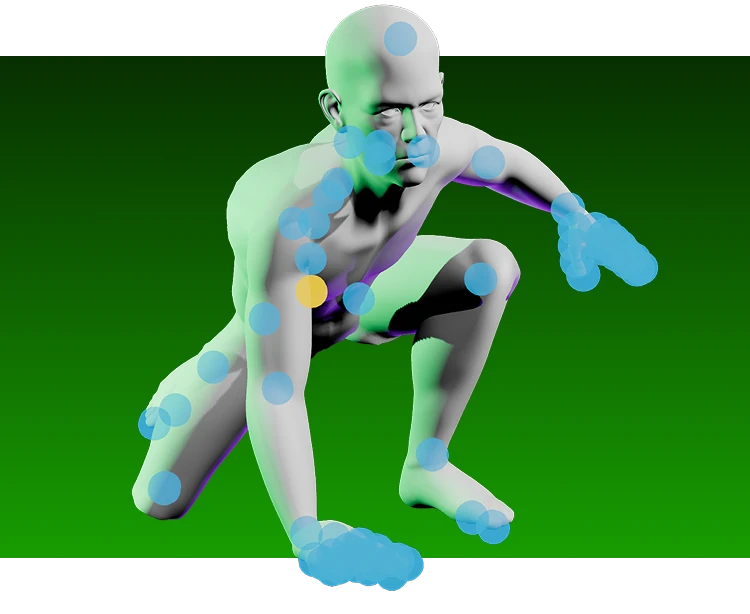
Posable human figure crouching low on one leg with the other bent, one hand on the ground, set against a green gradient background, with blue and one yellow translucent circles over various joints and parts of the body.

Pose characters the way your drawing demands

Interactive lighting is only part of the experience. Pose fully adjustable characters to capture dynamic action, expressive silhouettes, and the hard-to-find positions that static reference images just can’t give you.
Posable Male 3D Reference
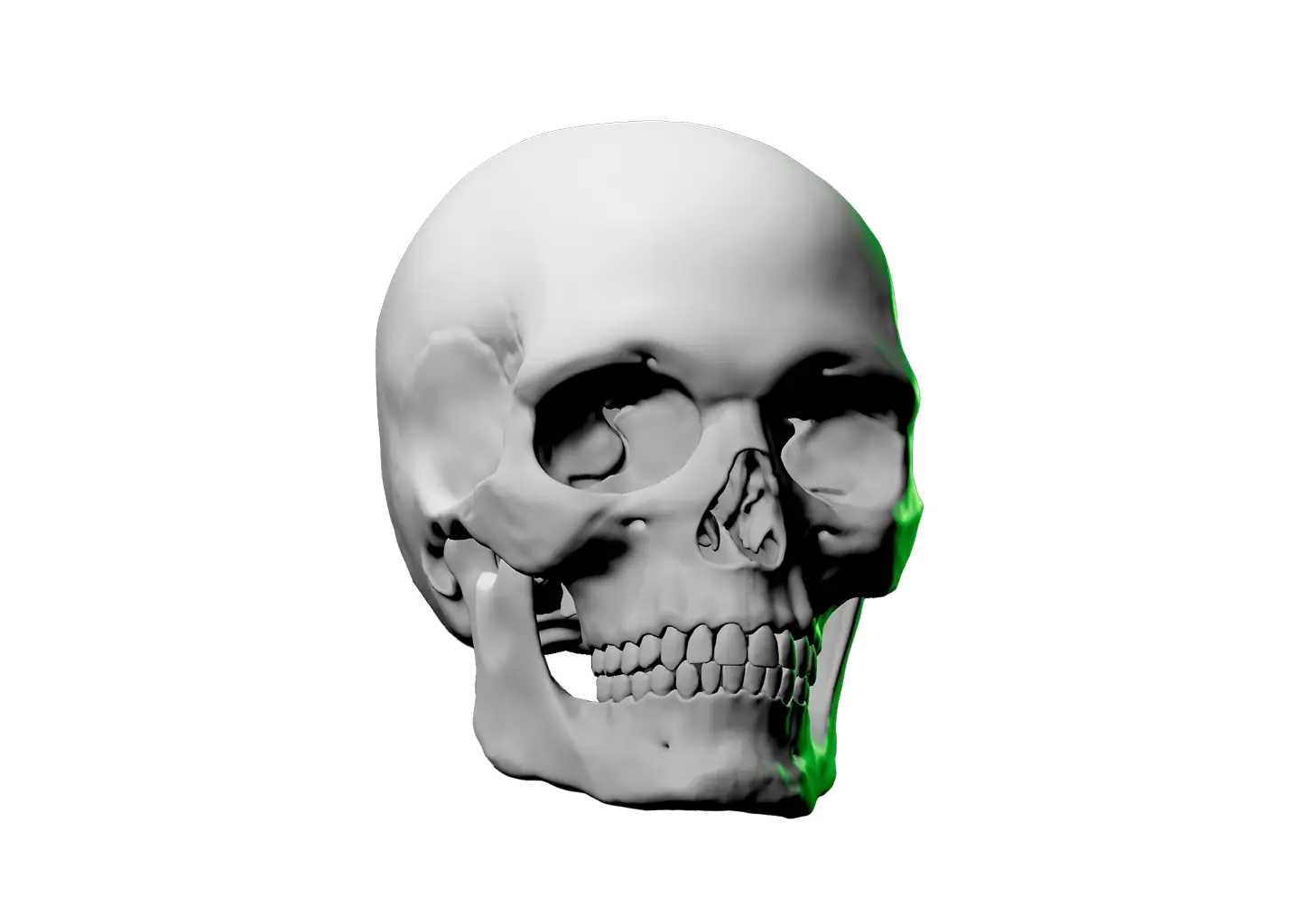
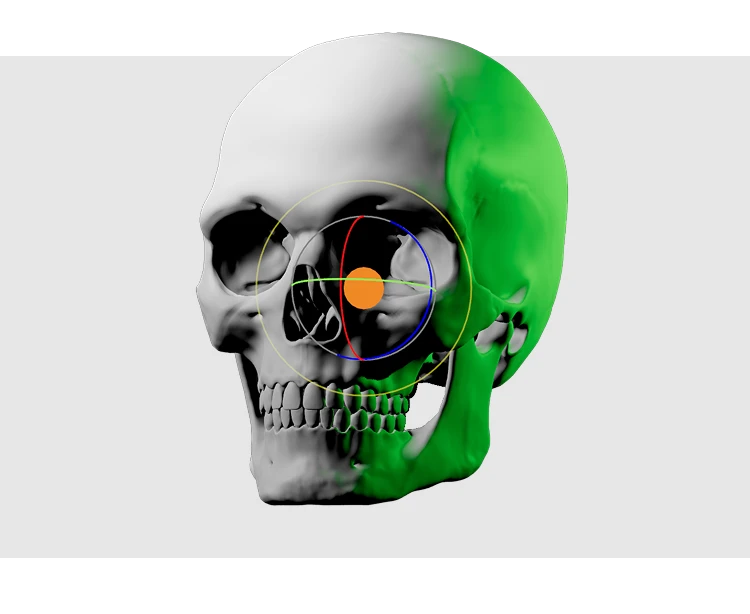
Human skull with rotational gizmo in center and green light coming from the right side

Find the perfect angle, skip the stock photos

Search forever and the perfect photo still won’t exist. With Light Dropper, move the camera instead. Orbit the model, zoom in or out, and compose the exact reference your drawing needs, not the closest thing you could find.
Skull Drawing Reference

Shake up the scene for instant inspiration

Stuck? Hit randomize

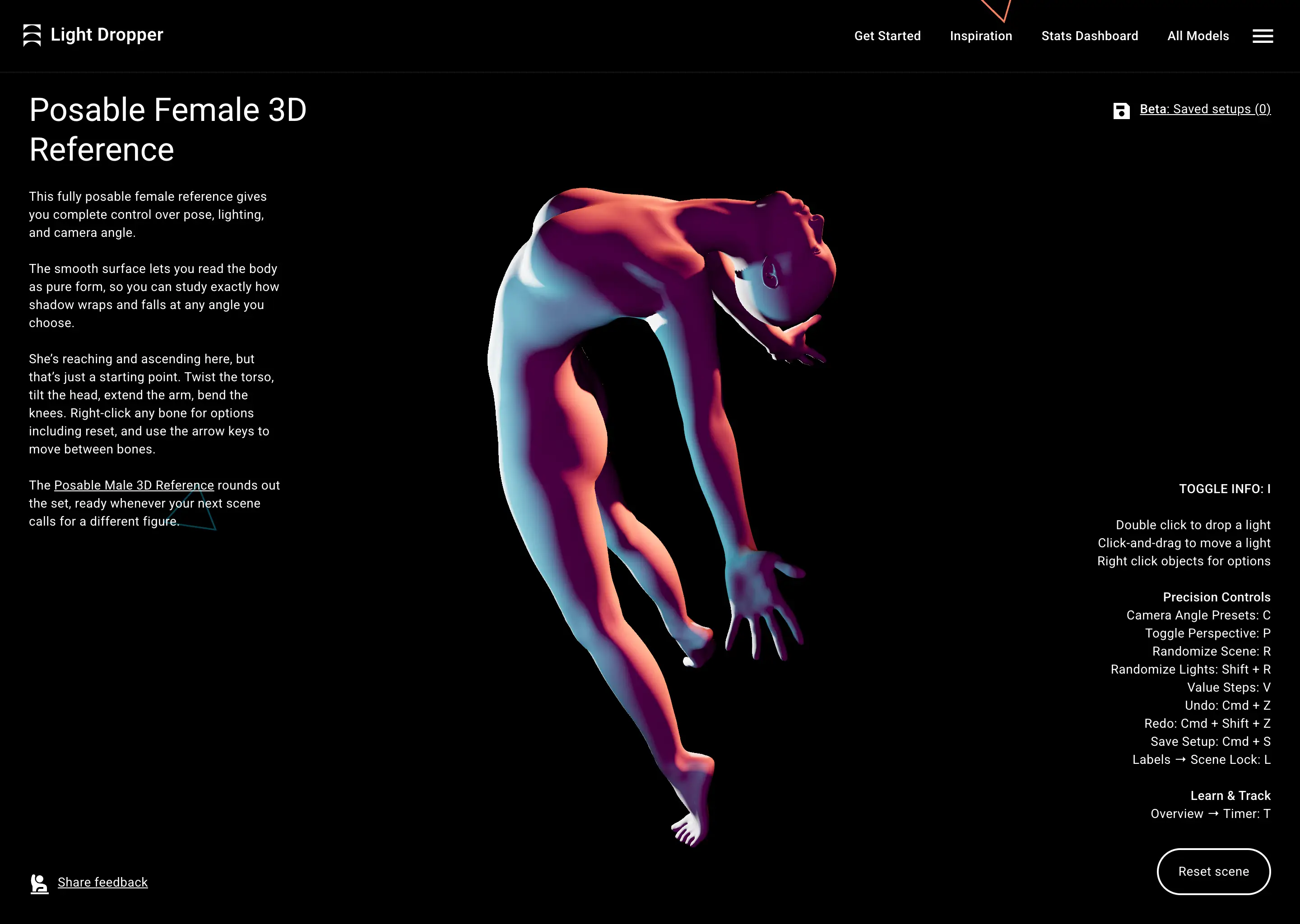
We’ve solved the blank white page problem. Randomize your lights and background color for a fresh jolt of ideas. Undo to step back to a look you liked, or redo to jump ahead again. The best ideas are happy accidents. Light Dropper helps you stumble into them.
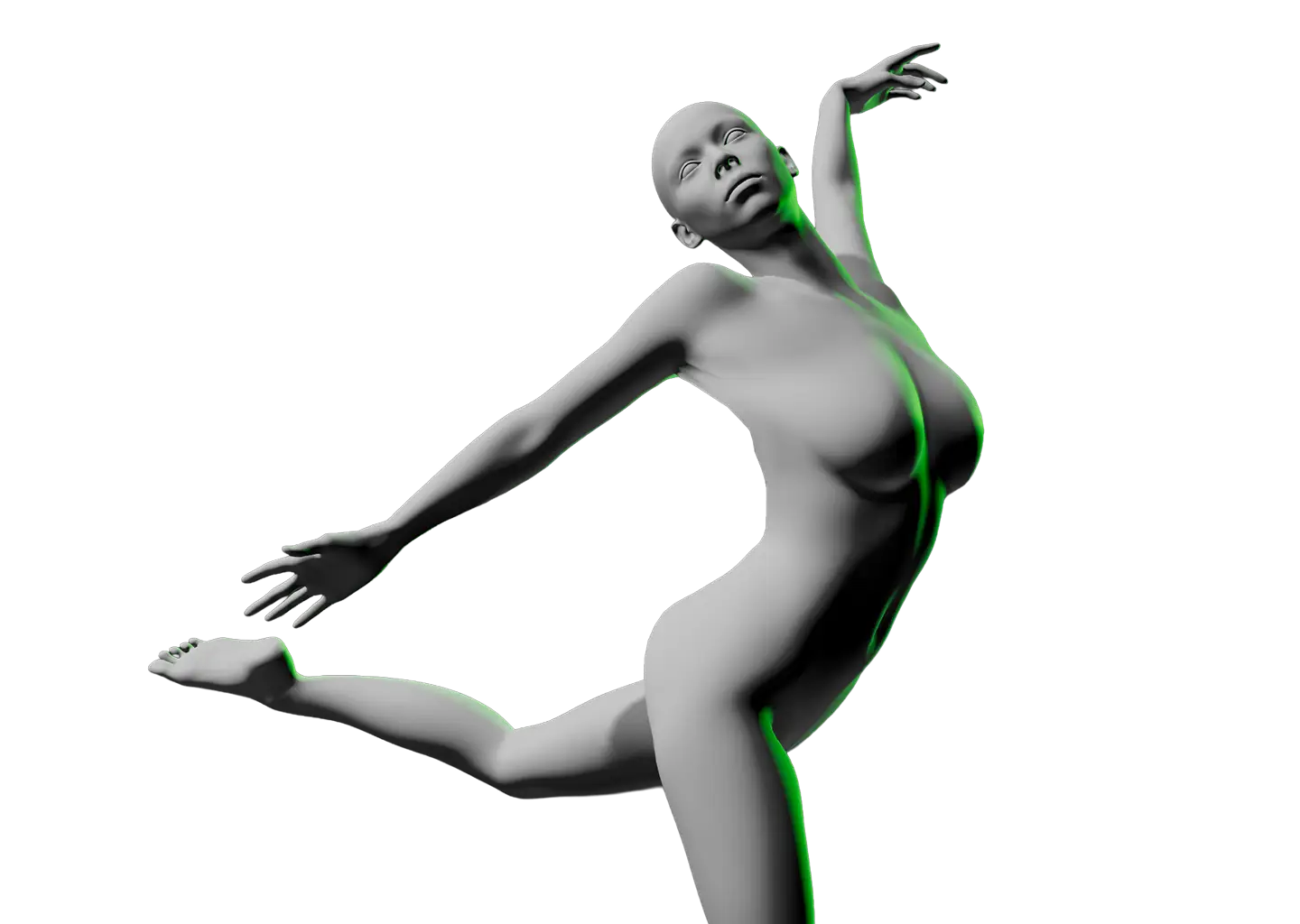
Posable Female 3D Reference
3D digital model of a fully posable female figure twisting backward with arms extended and knees bent, illuminated with blue and pink lighting on a black background, shown on a Light Dropper app interface with instructions and controls on both sides.

Train your brain to recall form from memory

Planar to pro

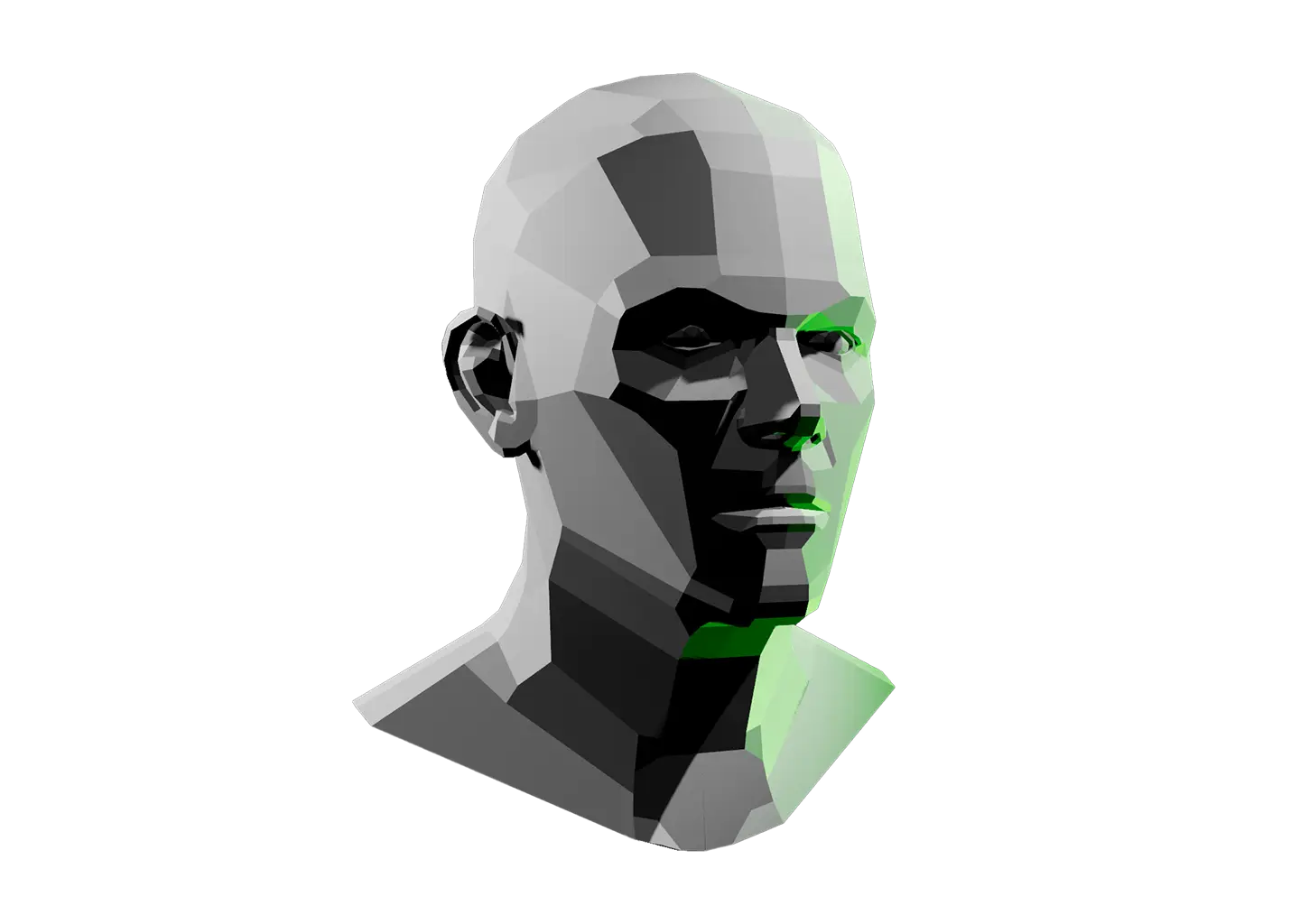
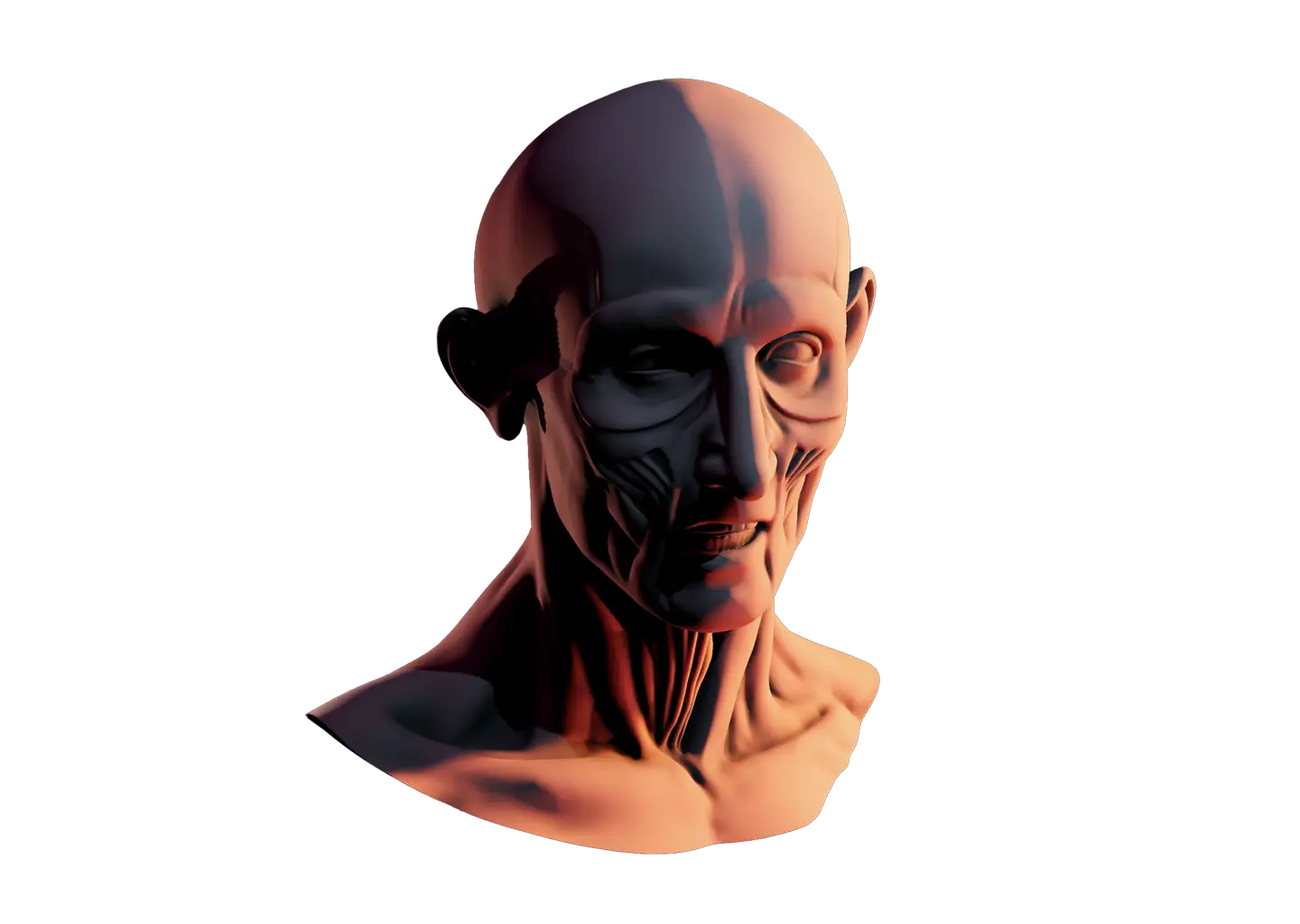
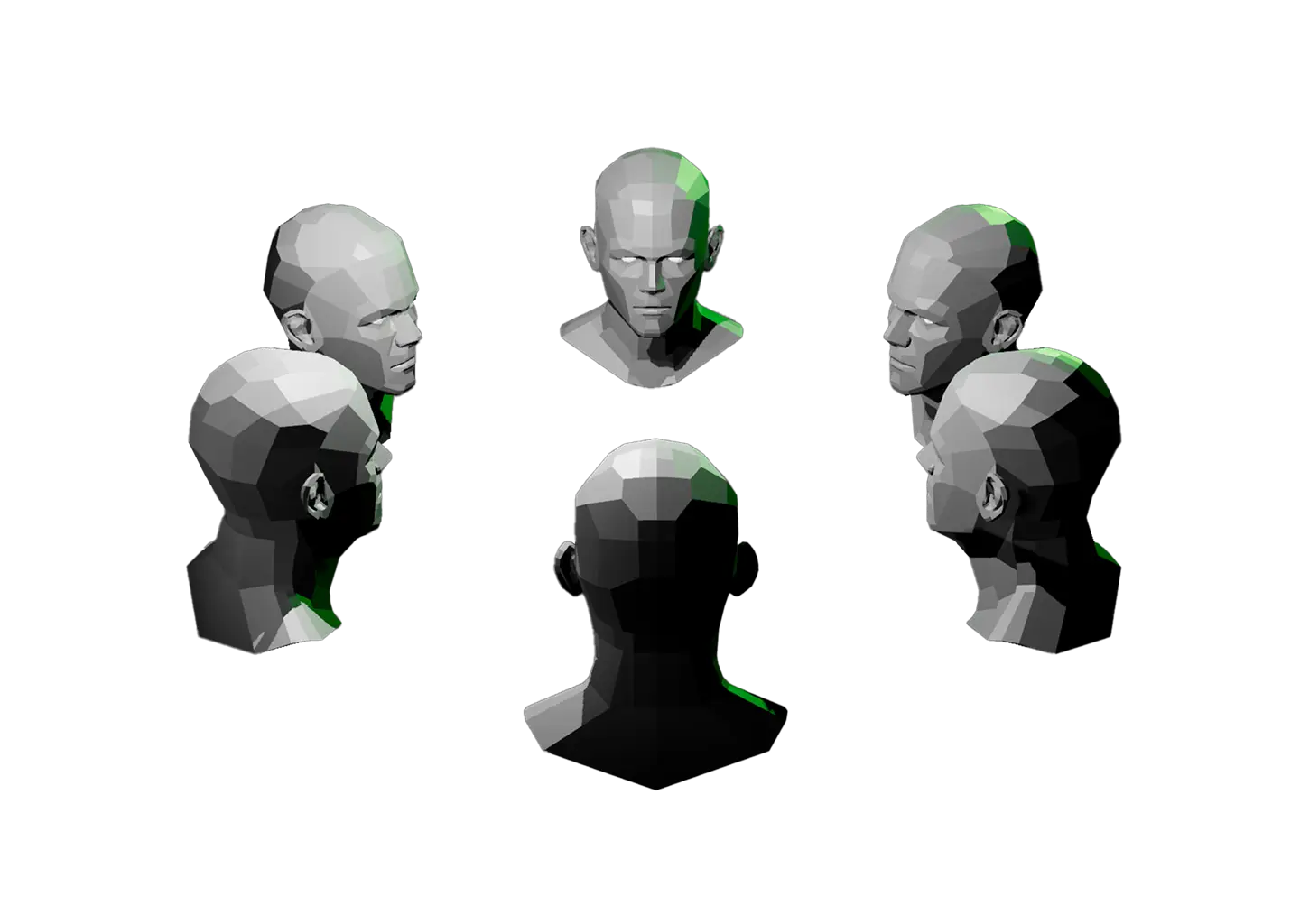
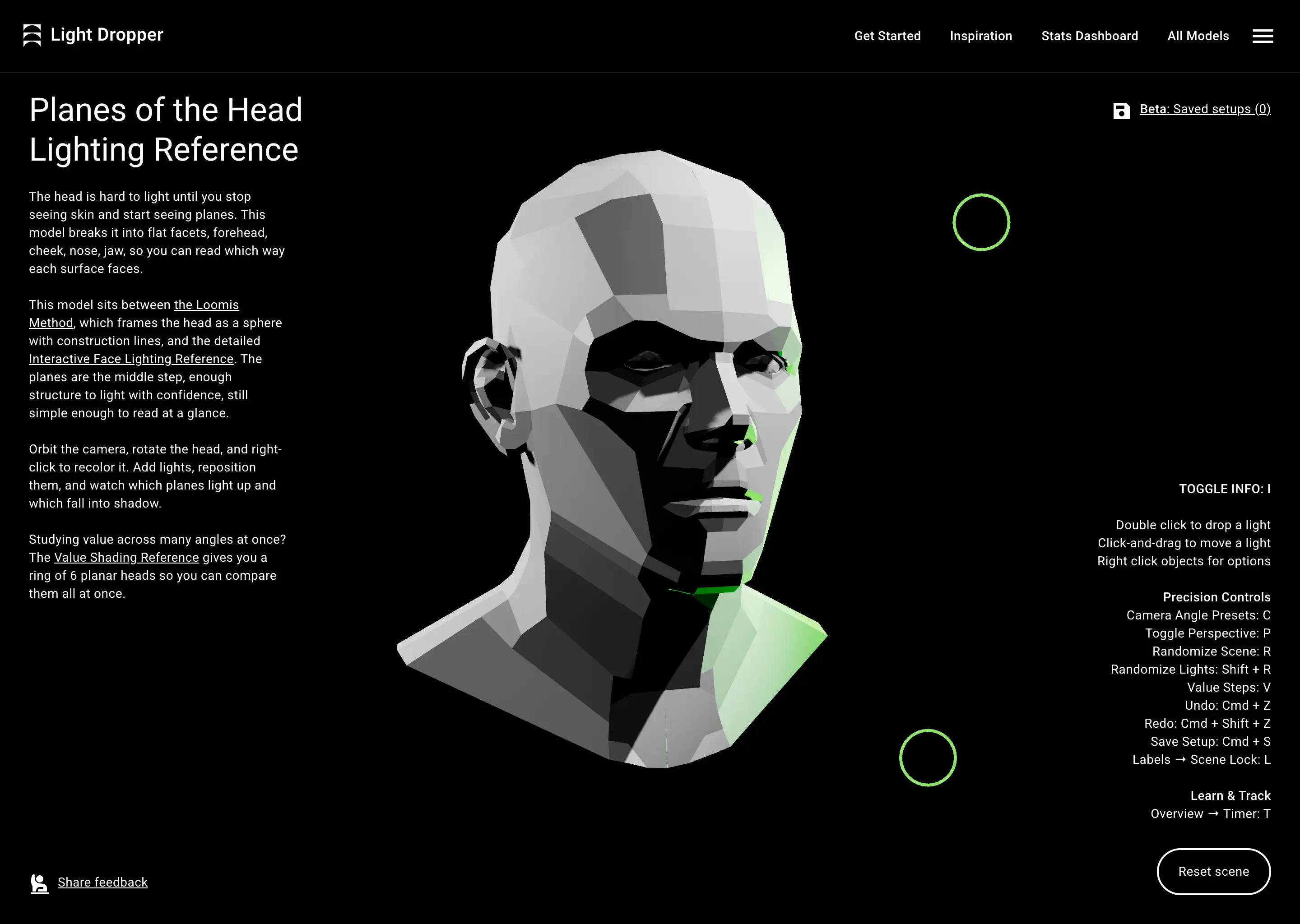
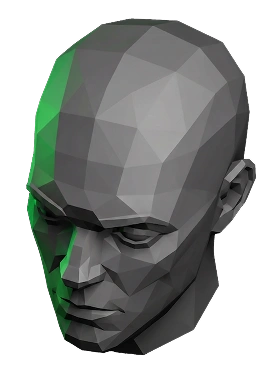
Spend time with our planar forms and their structure becomes second nature. Before long you’ll be able to construct the human head and figure from memory, then flex in your sketchbook.
Planes of the Head Lighting Reference
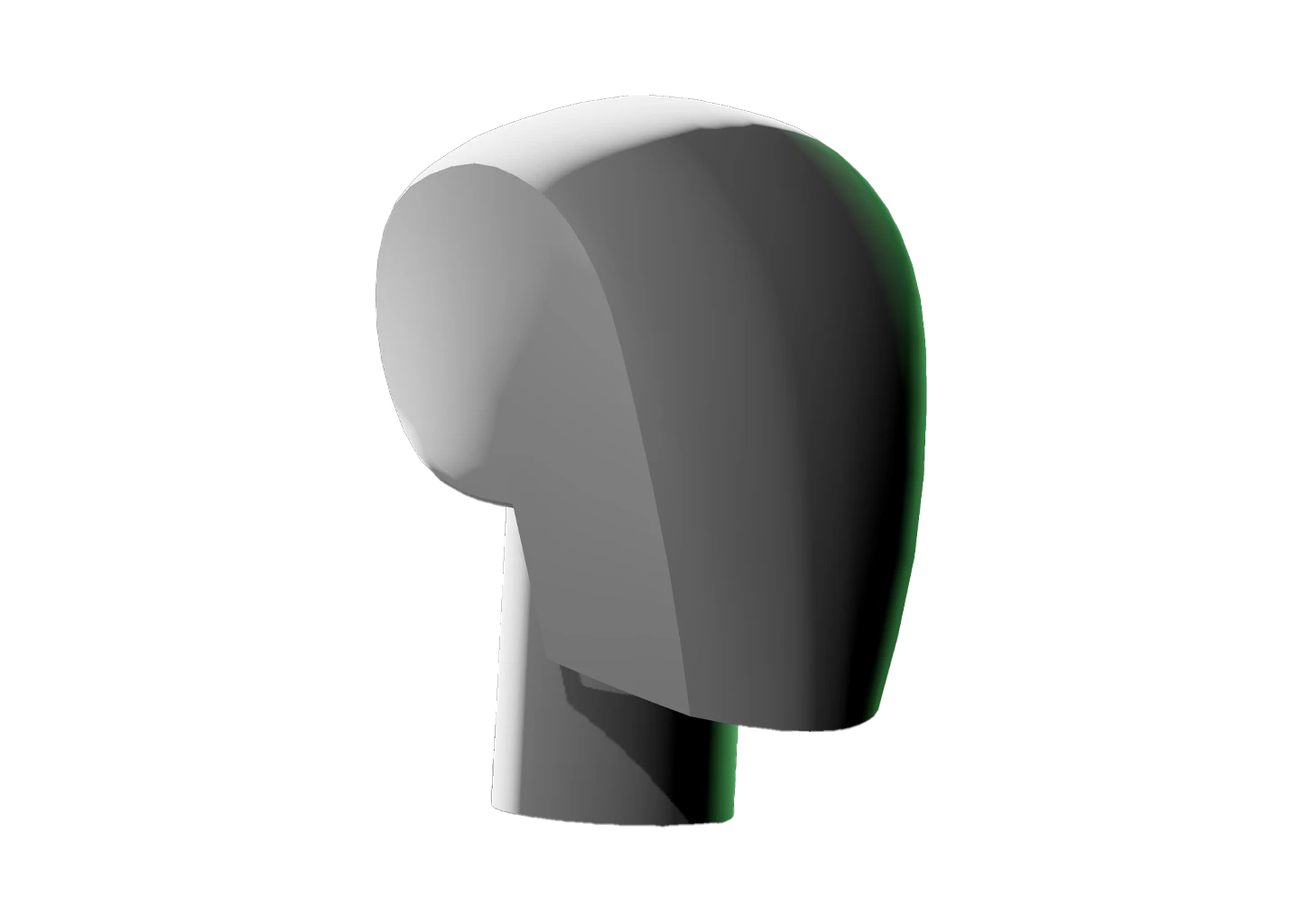
3D low-poly gray human head model with flat facets highlighting planes of the forehead, cheek, nose, and jaw, lit with shades of gray and green light on a black background, shown as a lighting reference tool with user controls on the right side.

Break any subject down to simple shapes

We’ve got the primitives

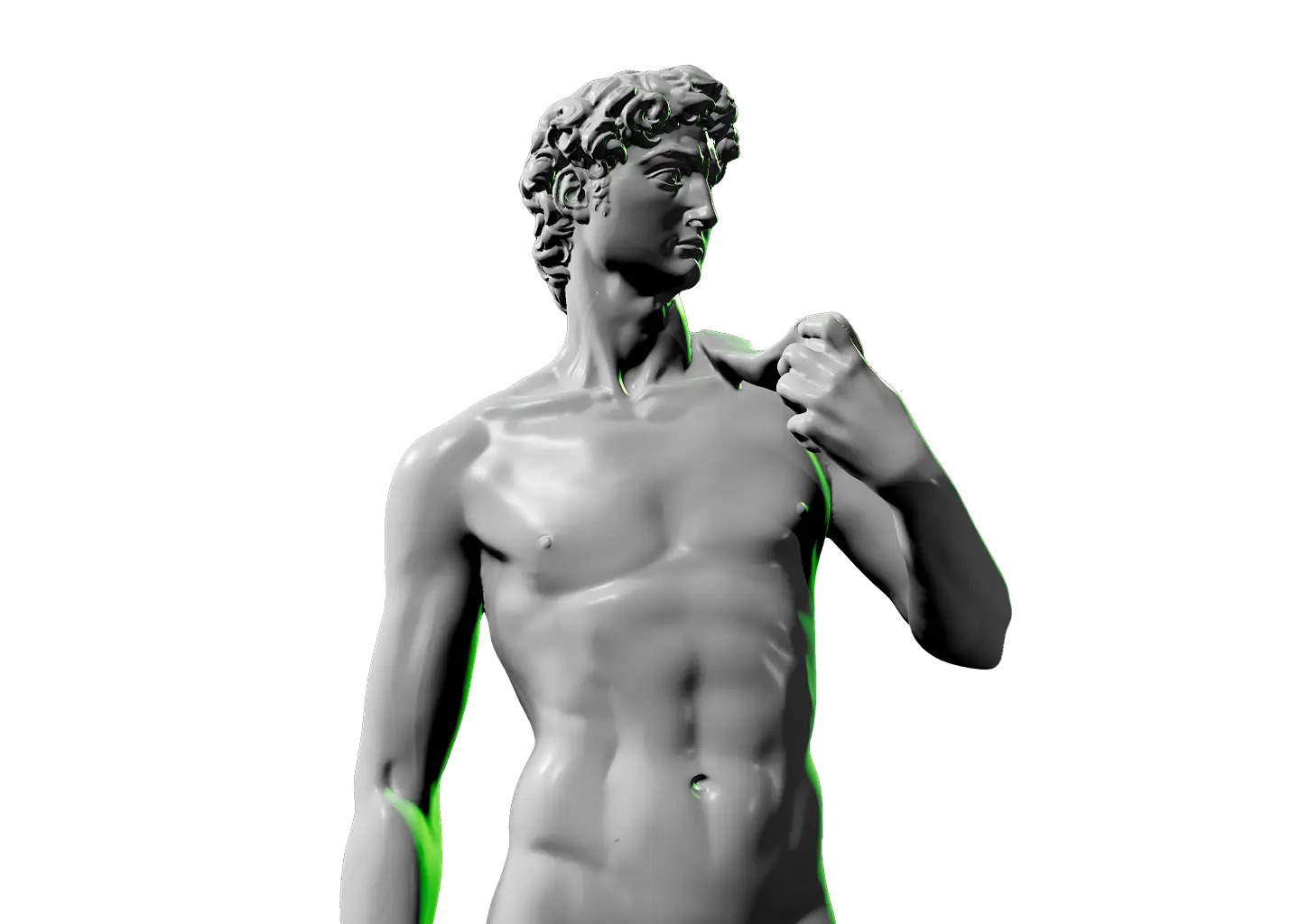
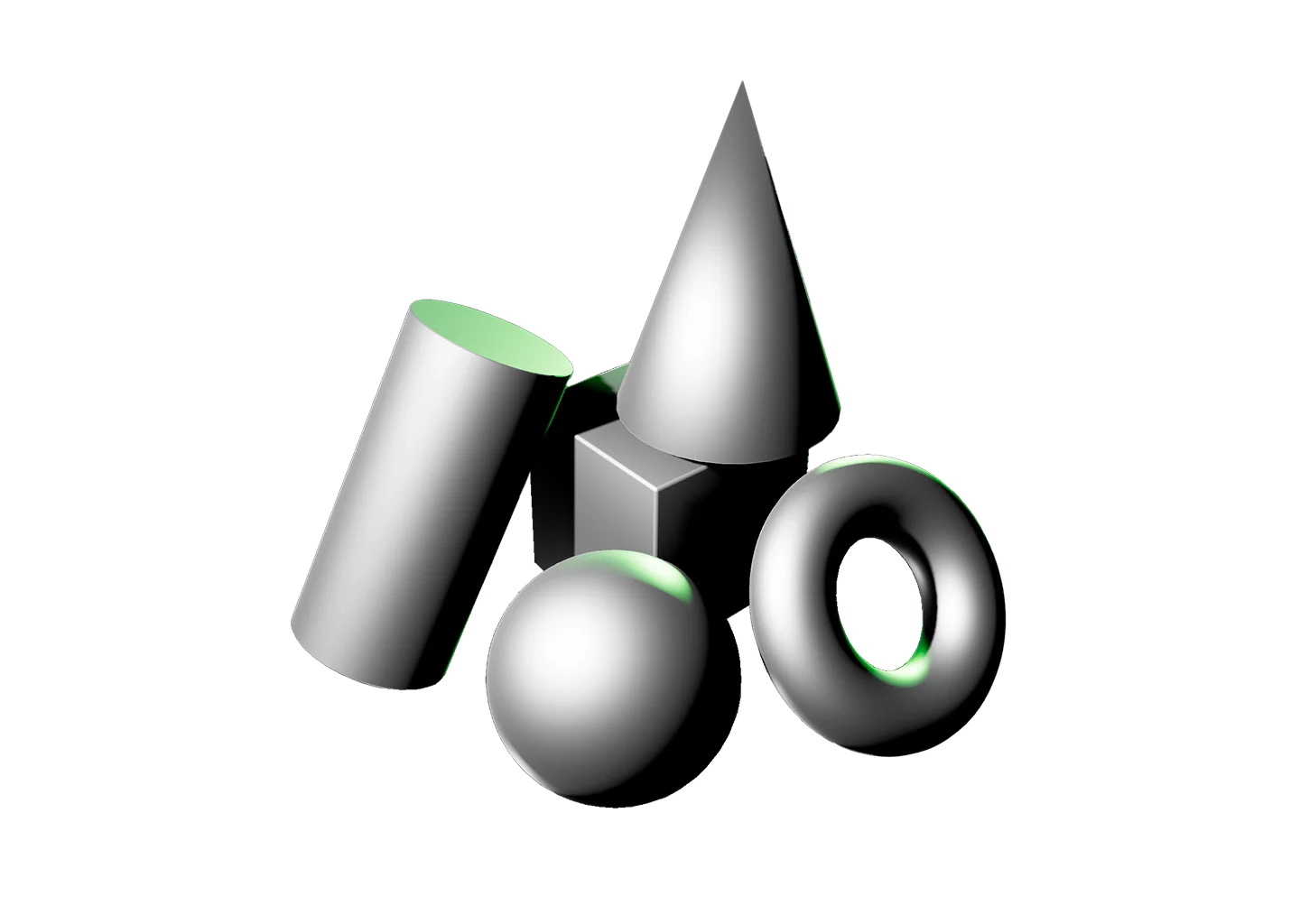
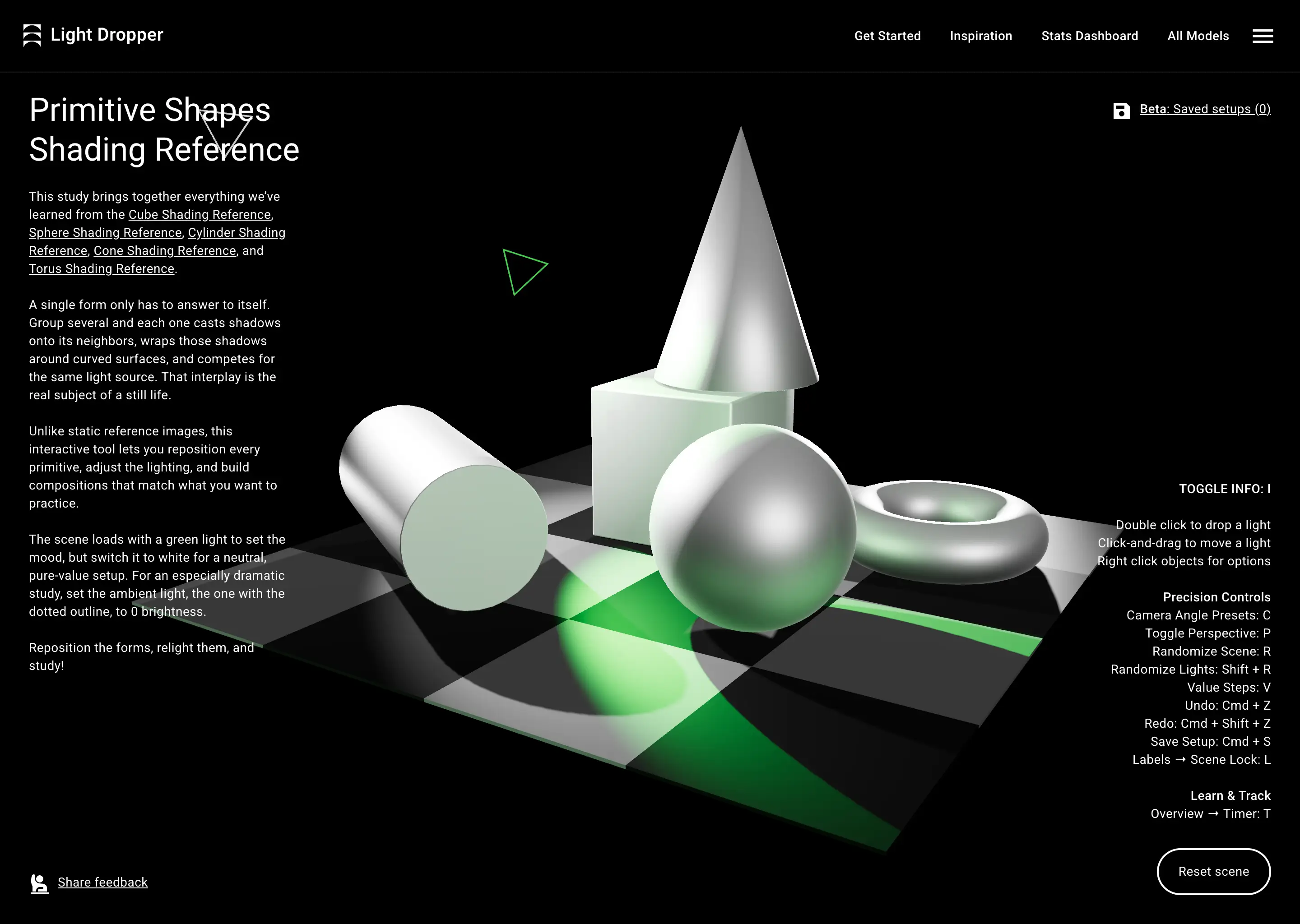
The most complex subjects are simple shapes underneath. Light Dropper gives you every primitive to study, so you can train on cubes, spheres, cylinders, and more. Michelangelo’s David? Still just a cylinder with abs.
Primitive Shapes Shading Reference

Interactive shading reference scene from Light Dropper showing 3D primitive shapes including a cone on a cube, sphere, cylinder, and torus on a black and white checkered plane illuminated by green light with shadows and highlights, accompanied by textual instructions and controls on a black background.

One tool, more ways to learn than you’d expect

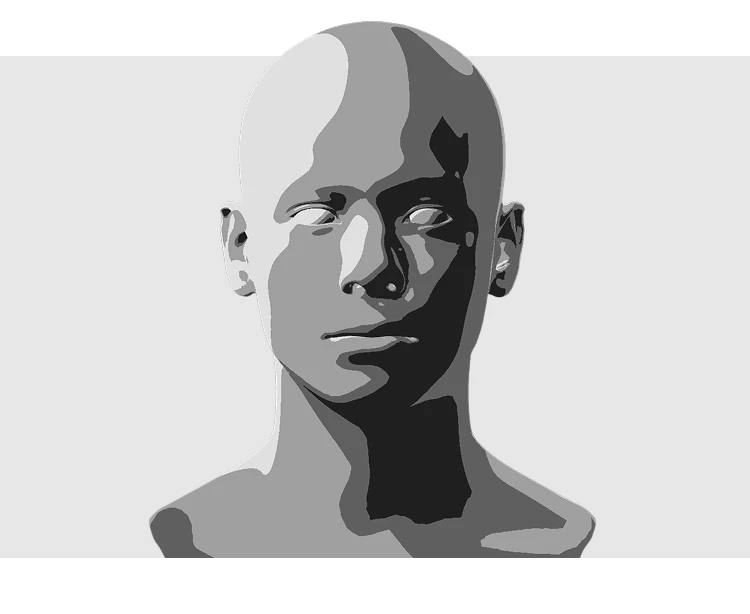
Human head value study

Recolor and simplify to master value

Change a model’s color to see how hue reads under your lighting, then flatten the scene into up to five grayscale bands. Plan your lights, midtones, and darks, and spot contrast problems before you commit to your final piece.
Interactive Face Lighting Reference
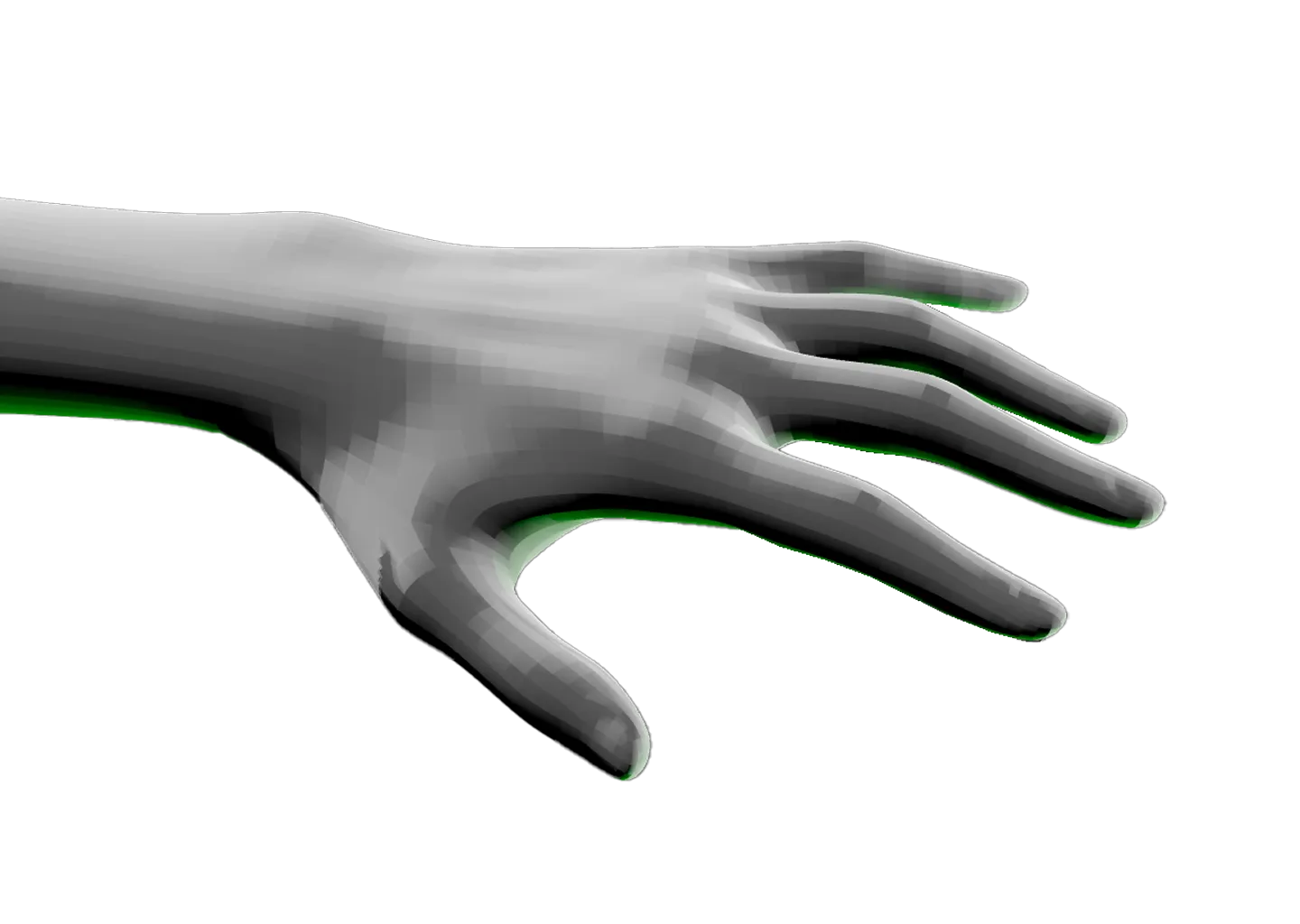
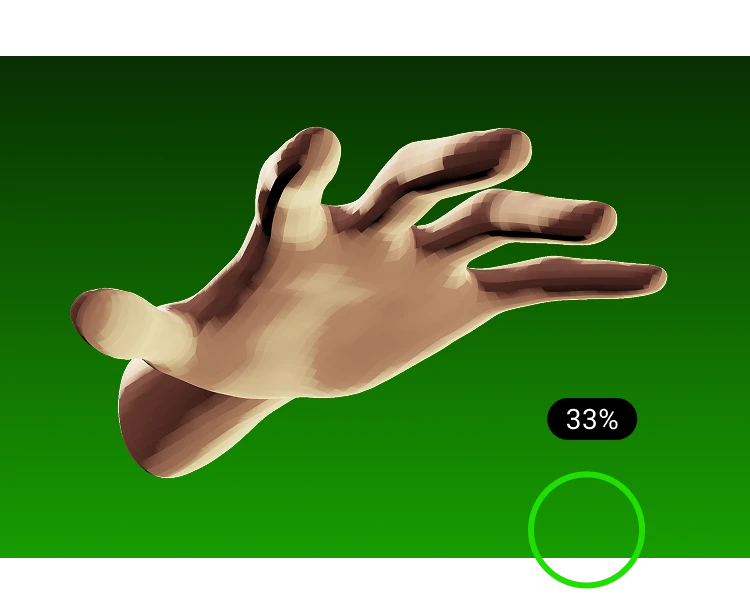
Hand on green background with different light sources illuminating it

Upload your own model and light it like the rest

Bring any 3D model or scene and we’ll hand you the controls, the same ones you get on every reference. Everything loads locally, for your eyes only. We’re the last stop between your scene and a finished piece.
Upload your own model
Calendar icon above large white text showing 23 hrs with smaller text below reading Reference time this week and faint text noting vs 20 hrs last week on a dark gray background.
Track your time, watch your skills climb

See how much time you put into each model and watch it build week over week. Whether you’re a student finding your footing or a pro keeping receipts, your stats fill in automatically. Or not, if you’d rather. Your call.
Visits the Stats Dashboard
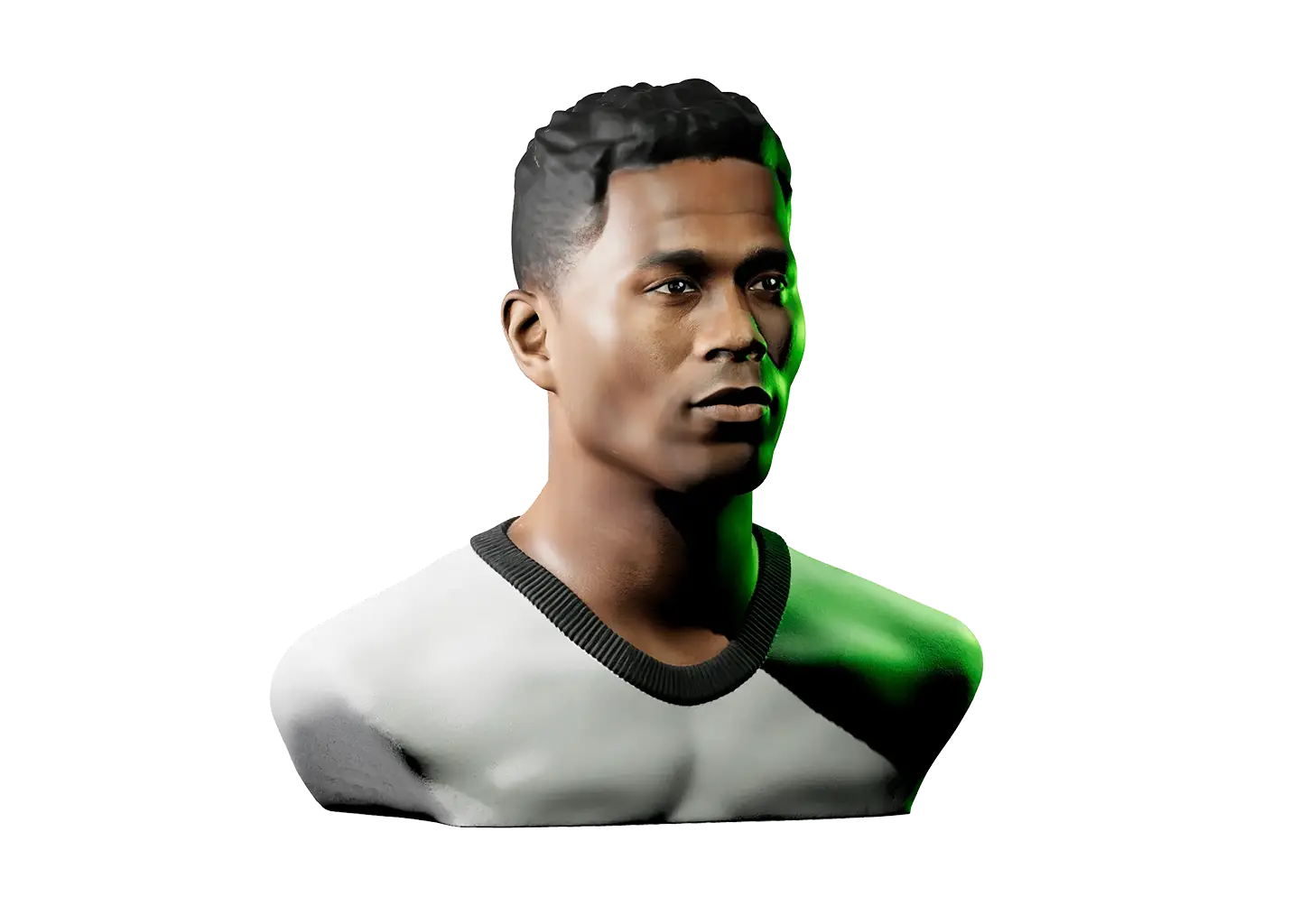
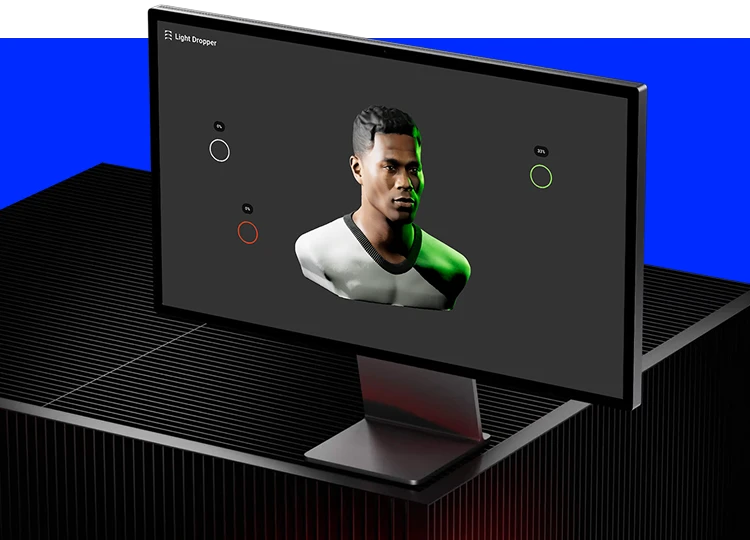
Computer monitor on a black ribbed surface displaying a 3D rendered bust of a man with short hair and a white shirt, highlighted with green lighting, on a dark background with circular interface elements labeled Light Dropper.

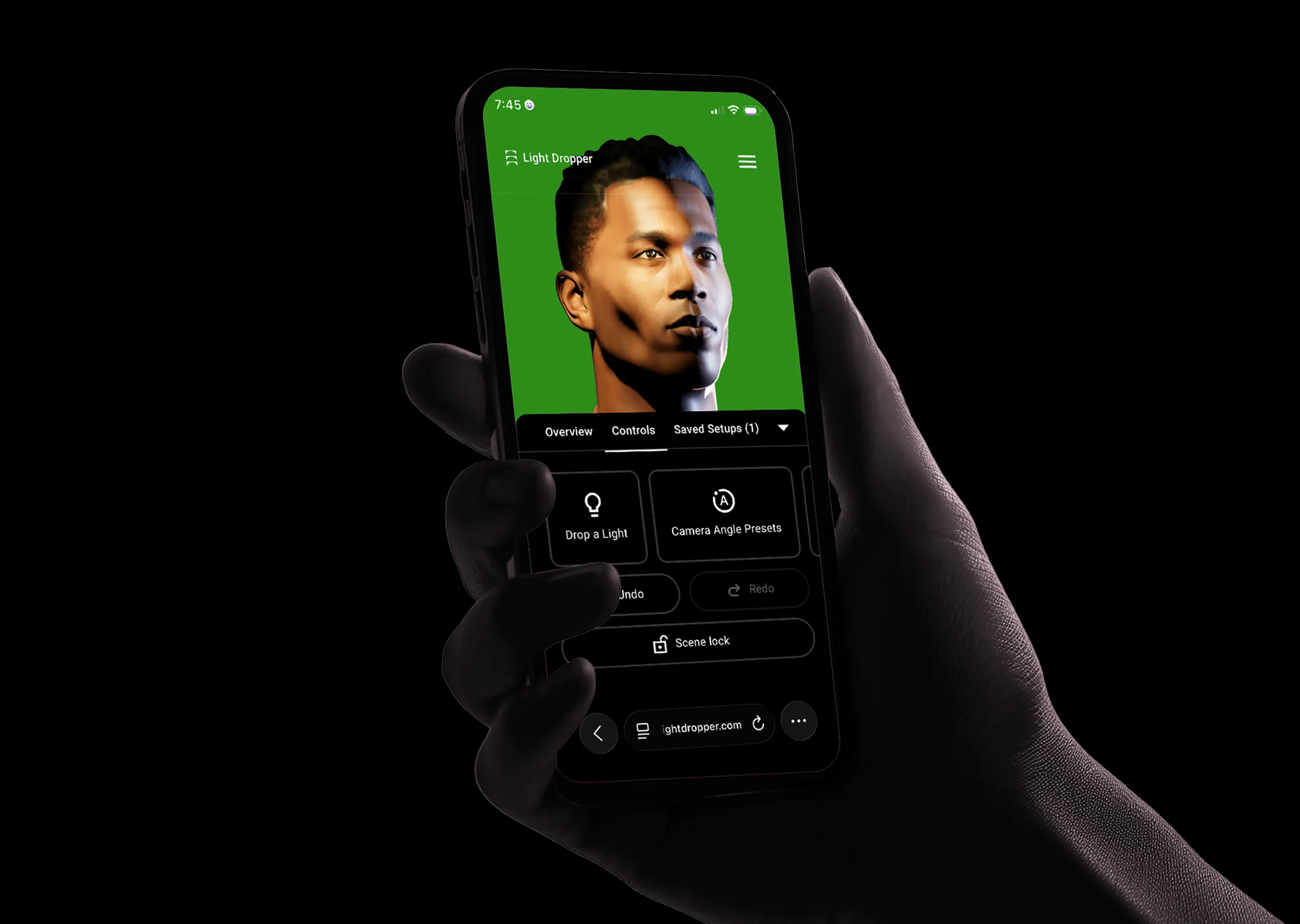
Desktop or phone, all in your browser

No download required

Work with keyboard controls at your desk, then switch to a touch interface built for your phone. Because Light Dropper runs in the browser, it works the same on Apple and Android devices. It’s studio today, couch tomorrow.
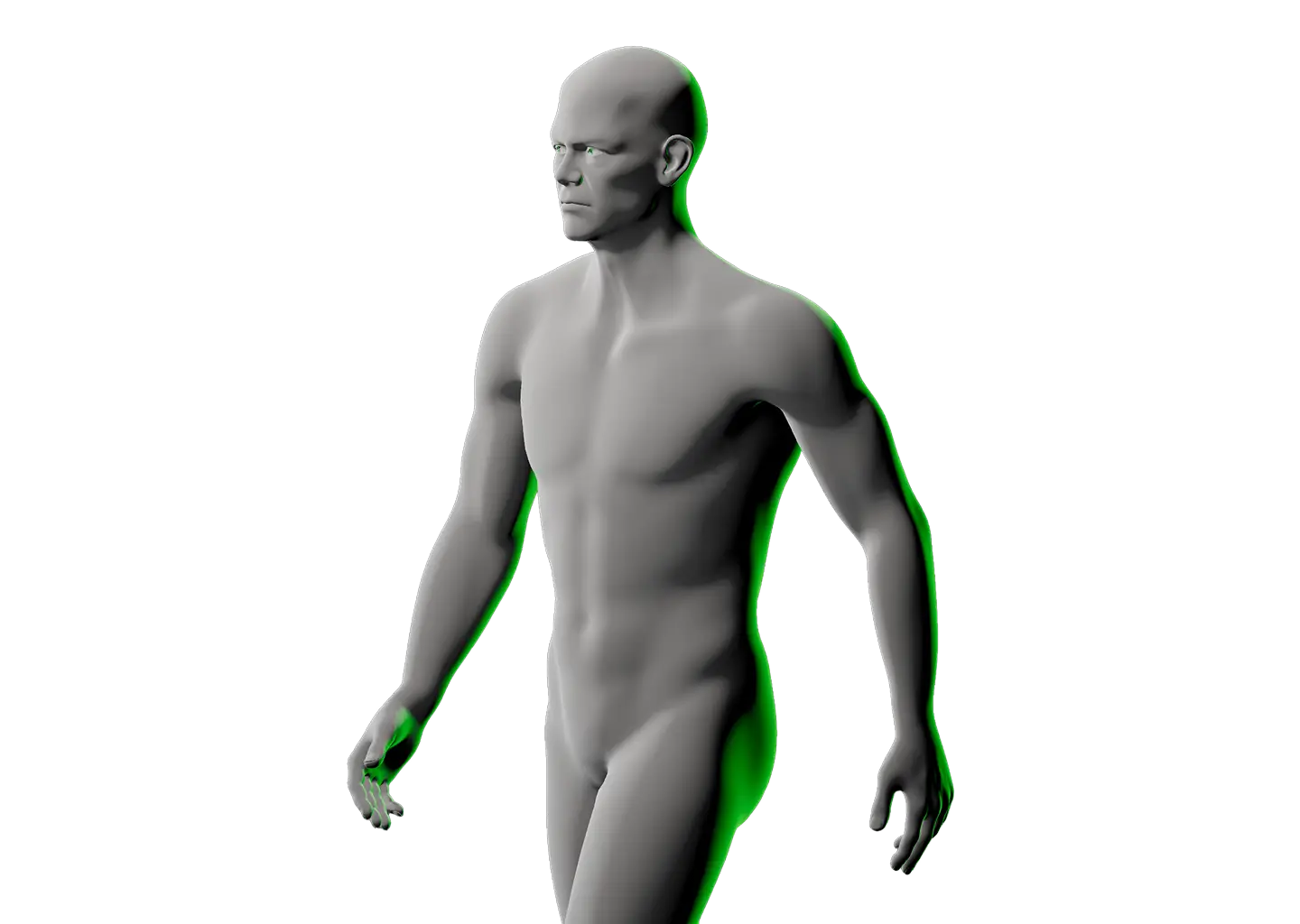
Realistic Male Lighting Reference
Hand holding a smartphone displaying the Light Dropper app with a 3D male face model on a green background and app controls below including Drop a Light, Camera Angle Presets, Undo, Redo, and Scene lock.
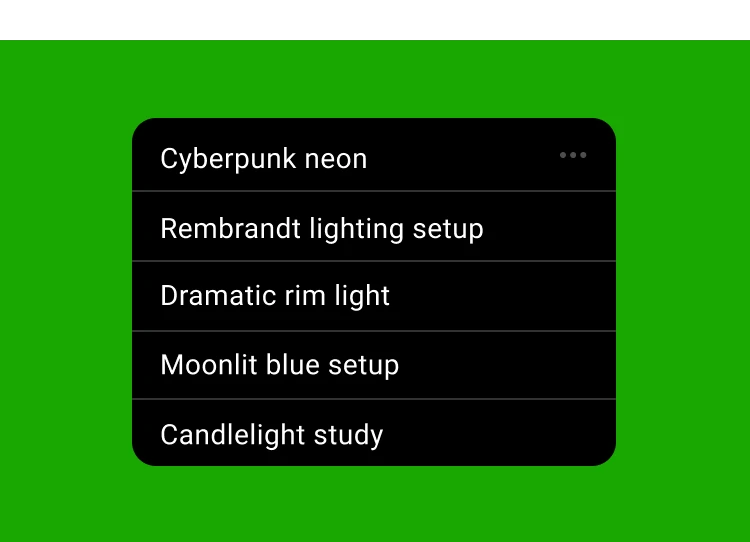
A black rectangular menu with rounded corners on a green background containing five white text options: Cyberpunk neon, Rembrandt lighting setup, Dramatic rim light, Moonlit blue setup, and Candlelight study.

Your setups, saved and ready to share

Killed it? Show it off

Rembrandt lighting, candlelight study, or whatever mood you’re after. Save your lighting, camera, and color setups in the browser, or export a backup for safekeeping. Then submit your favorite to our Inspiration gallery for everyone to see.
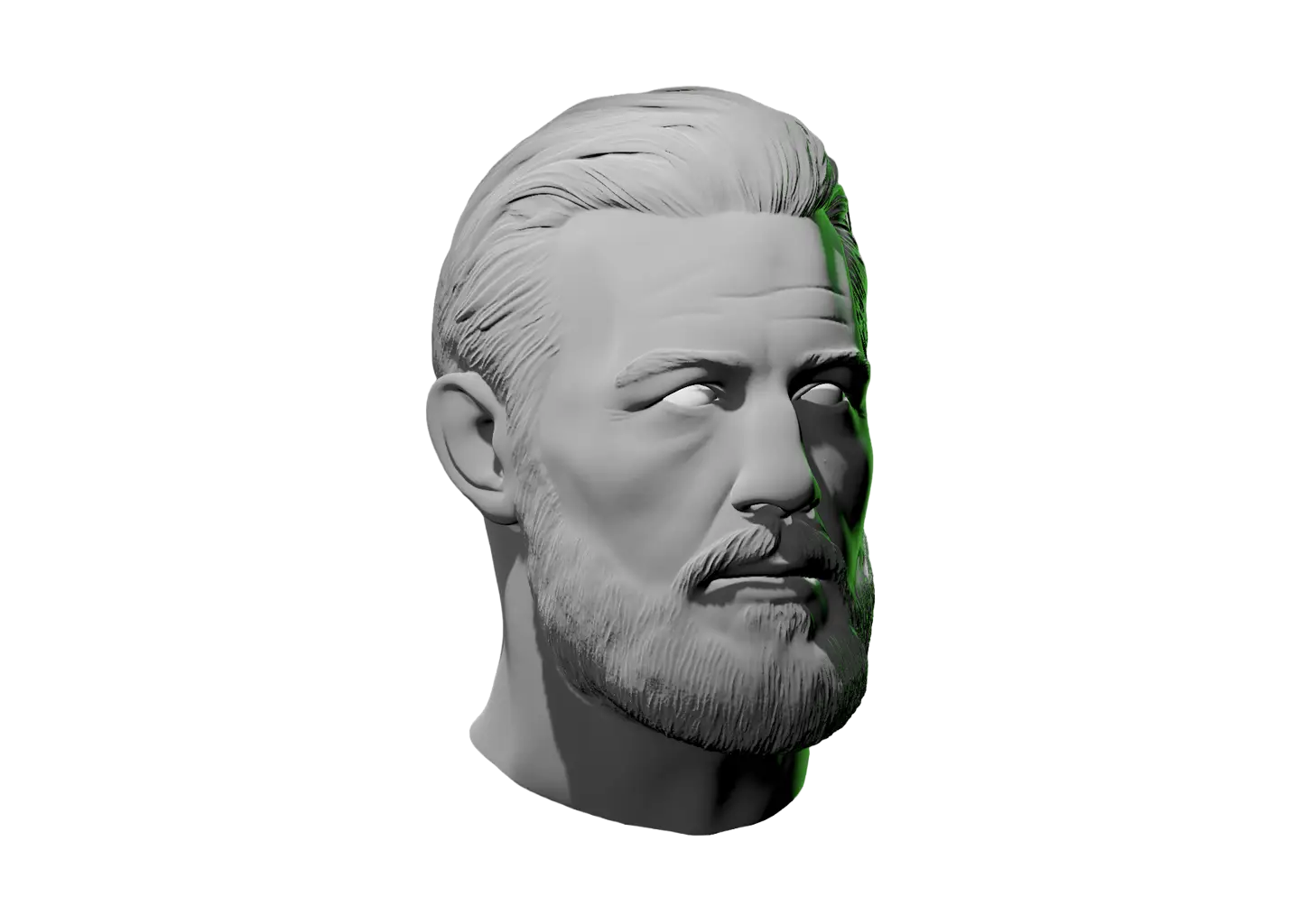
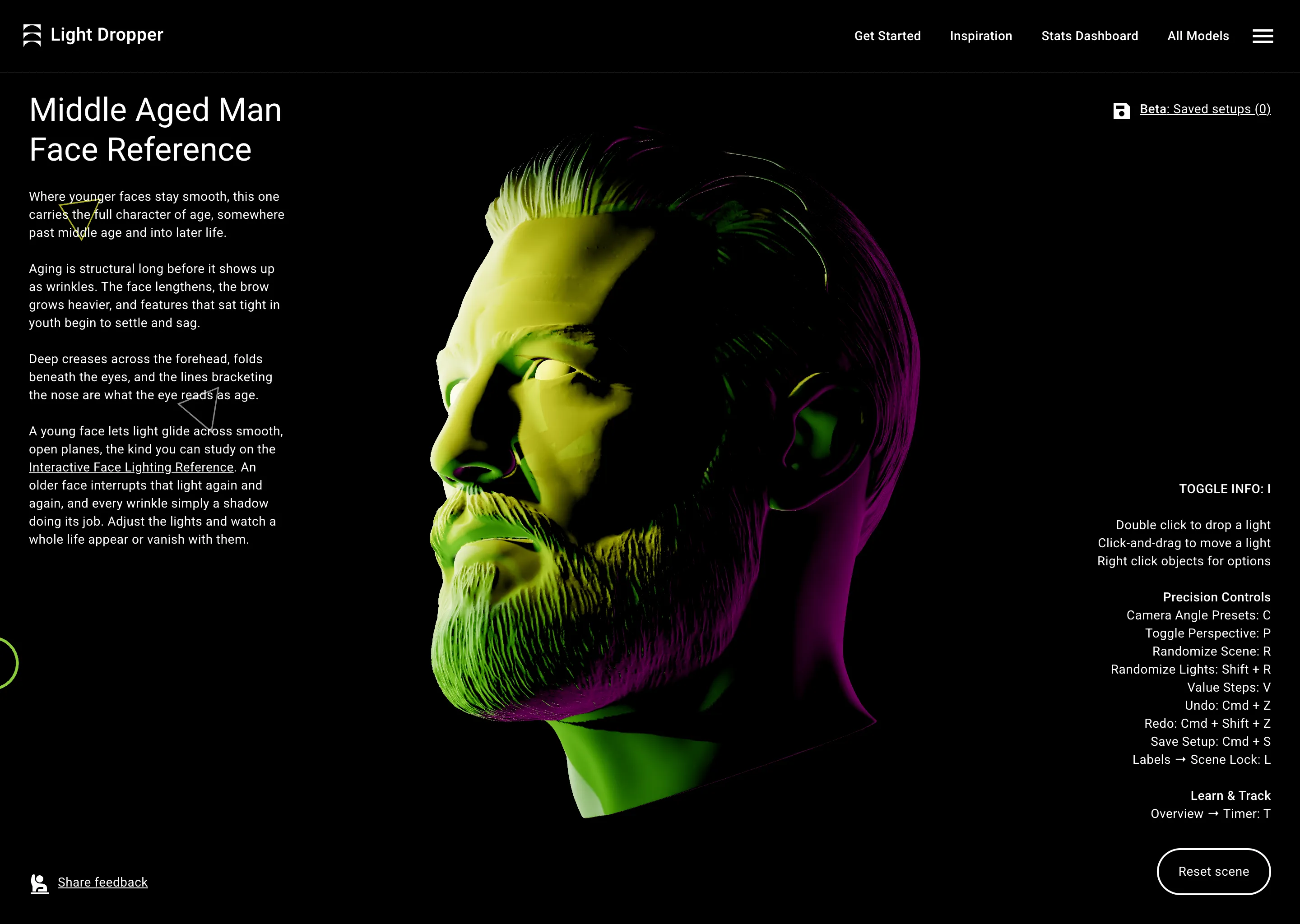
Middle Aged Man Face Reference

Reference of a middle aged man shown from 3-quarter profile view with user interface controls.
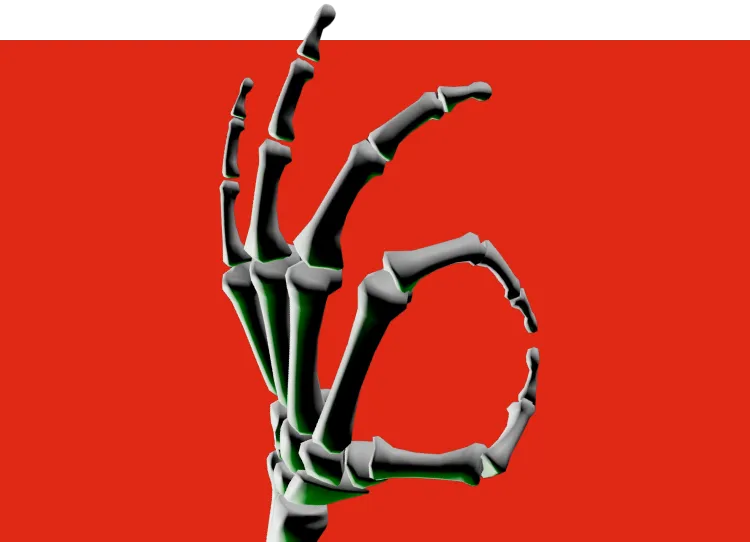
Illustration of a skeletal hand with bones detailed in gray and slight green highlights forming an OK gesture against a black background.

Free, right down to the bone

Throw us one

If you find yourself enjoying Light Dropper post it to any online groups or communities where you think other artists will find it useful. In a world where everything’s behind a subscription, every mention helps keep a free tool growing.
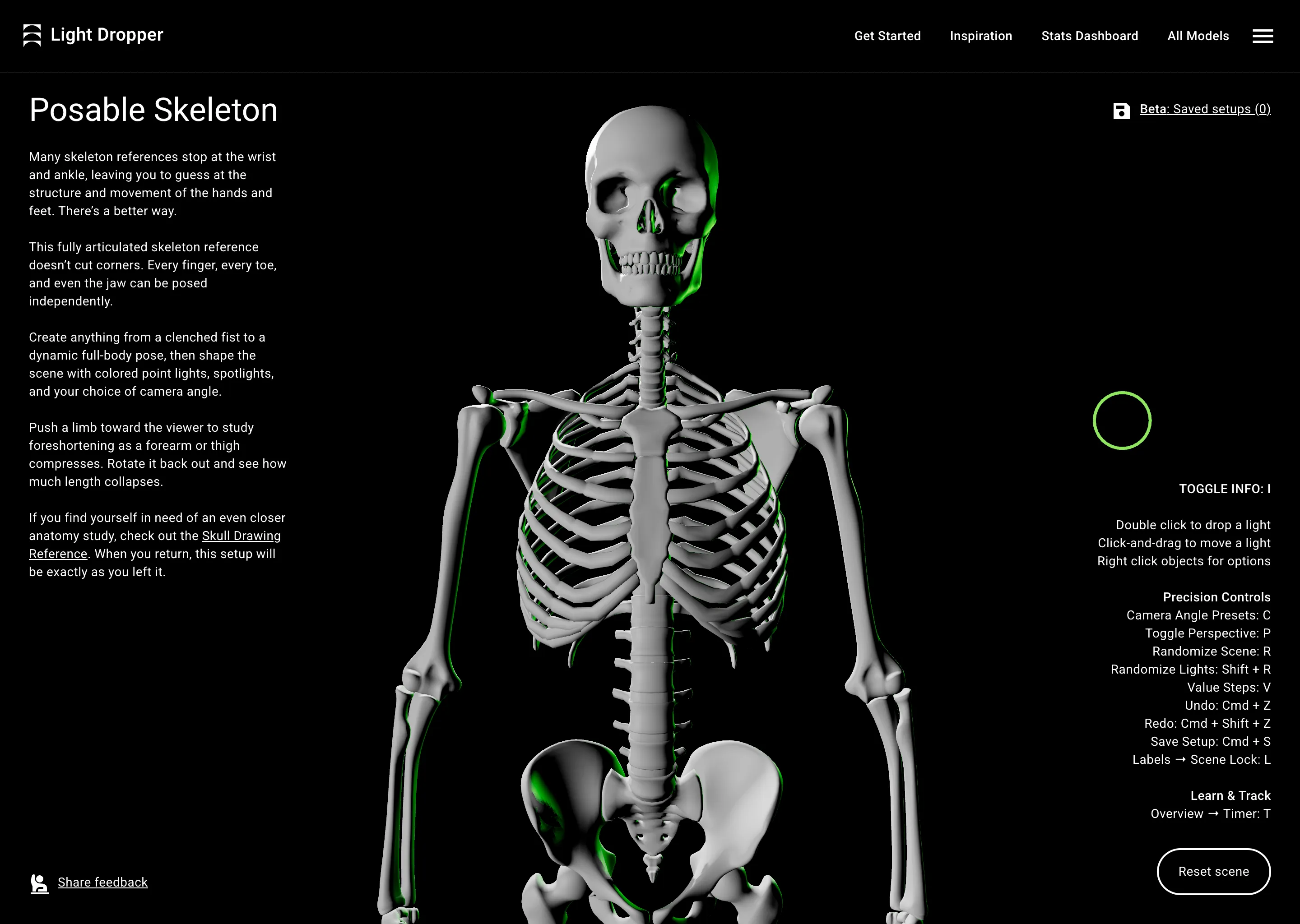
Posable Skeleton
Digital 3D model of a human skeleton shown from front view, with user interface controls.
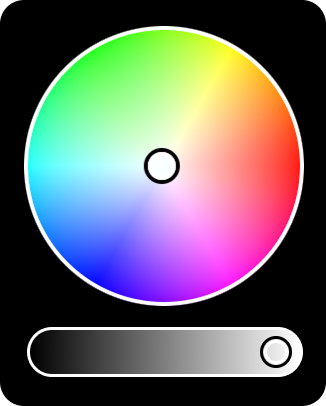
Color wheel showing a full spectrum of hues with a central selector and a grayscale brightness slider below.

From shape primitives to interactive figure studies, now you set the tone, and angle. Pick a reference, drop a light, and glow up.

Planar human head model viewed from above with a green light on the left side.
“We needed quick help with a shadows assignment. This thingamajig is awesome!”
—Art instructor
Create a lighting reference
Light Dropper logo stacked vertically
©2026 Light Dropper™ | All Rights Reserved